Done-for-You Services: A Practical 2026 Guide
Introduction

Done-for-you services are outsourced services where a provider handles execution for you—strategy, setup, production, and sometimes ongoing management. If you’ve ever wished you could skip the learning curve and go straight to results, done-for-you is the business model built for that.
Across industries, done-for-you offerings show up as turnkey systems (like funnel builds), service bundles (like bookkeeping + reporting), or ready-made options (like templates and brand kits) with implementation support. Small business owners use done-for-you to keep momentum when they don’t have in-house specialists. Marketing teams use done-for-you to scale output without adding headcount. Entrepreneurs use done-for-you to validate ideas quickly.
This guide breaks down what done-for-you really includes, where it fits (and where it doesn’t), how to evaluate providers, and how to choose tools and partners that match your workflow management needs. You’ll also find a comparison table, cost analysis, emerging trends, and real-world examples of done-for-you success (and failure modes to avoid).
Key Benefits of Done-for-You Services

The appeal of done-for-you is simple: you trade money for speed, expertise, and fewer operational headaches. But the real benefits are more specific—and measurable.
1) Time savings you can actually quantify
With done-for-you, you’re not just saving hours; you’re reducing context switching, hiring time, and rework. For example, a founder who spends 6 hours/week scheduling social posts might spend 45 minutes/week reviewing drafts in a done-for-you workflow. That reclaimed time often goes into sales, product, or customer success.
2) Access to specialized expertise
Many done-for-you providers are staffed by specialists who have seen hundreds of similar projects. That pattern recognition matters for efficiency optimization: fewer false starts, better defaults, and clearer QA. In areas like SEO, bookkeeping, funnel building, and design, done-for-you can outperform a generalist hire.
3) More consistent output
A common reason teams adopt done-for-you is throughput. Subscription design, content production, and virtual assistant models create predictable capacity. That consistency supports streamlined processes like weekly campaign launches or monthly reporting.
4) Faster implementation with fewer tools
Good done-for-you providers bring automated solutions, pre-made templates, and client onboarding checklists. Instead of assembling a stack yourself, you get a working system plus implementation support.
5) Reduced risk vs. hiring
Hiring is expensive and slow to reverse. Done-for-you can be a lower-commitment way to test a function (e.g., paid ads management) before you build internally.
Mini case study: A local home-services business used a done-for-you funnel + appointment automation package. Within 6 weeks, they reduced missed calls by routing leads into automated SMS follow-ups and saw a 22% increase in booked estimates—without adding office staff.
How to Get Started with Done-for-You Services

Getting value from done-for-you starts before you buy. The most common disappointment comes from unclear scope, missing inputs, or mismatched expectations.
Step 1: Define the outcome (not the tasks)
Instead of “manage my social media,” define “publish 4 posts/week, maintain <24h response time for DMs, and grow local reach.” A done-for-you provider can then propose the right service bundles and workflow management.
Step 2: Inventory your inputs
Most done-for-you work still needs your raw materials: brand guidelines, access to accounts, product details, customer FAQs, past performance data. If you can’t provide these, choose done-for-you with stronger personalized assistance and discovery.
Step 3: Choose a delivery model
Common done-for-you models:
Step 4: Run a small pilot
A 2–4 week pilot is the safest way to validate quality and communication. Ask for a clear definition of done, revision limits, and turnaround times. A done-for-you pilot should include client onboarding steps and a handoff plan.
Step 5: Set up feedback loops
Weekly reviews, shared dashboards, and a single source of truth (briefs, assets, approvals) prevent drift. The best done-for-you relationships feel like a system, not a series of one-off requests.
Best Practices for Using Done-for-You Services

To maximize outcomes from done-for-you, treat it like operations—not shopping.
Use a “brief-first” culture
A short brief template (goal, audience, constraints, examples, deadline) improves quality more than extra revisions. Many done-for-you teams can move faster when briefs are consistent.
Centralize approvals
Slow approvals are the hidden cost of done-for-you. Assign one approver, set a 24–48 hour SLA, and batch reviews. This keeps streamlined processes intact.
Build a reusable asset library
Store logos, brand voice notes, product screenshots, testimonials, and FAQs. Done-for-you providers produce better work when they can reuse approved components.
Track performance with a simple scorecard
Pick 3–5 metrics tied to the outcome: leads, booked calls, CAC, time-to-publish, error rate, or close rate. A done-for-you service should be able to report on these or integrate with your analytics.
Plan for edge cases
Ask how the provider handles:
User review snapshot (common themes):
The difference is usually workflow management: briefs, approvals, and clear service customization.
What to Look for in Done-for-You Services
Not all done-for-you is equal. Use these criteria to evaluate fit.
Scope clarity and boundaries
A strong done-for-you offer defines what’s included, what’s excluded, and what “revision” means. Watch for vague promises without deliverables.
Onboarding and implementation support
Look for client onboarding that covers access, brand intake, goals, and a timeline. Done-for-you without onboarding often becomes reactive.
Turnaround times and capacity model
Queue-based subscriptions can be great, but only if you understand throughput. Ask: “How many active tasks at once?” and “What’s the typical turnaround?”
Quality control
Ask about QA steps, senior review, and how they prevent errors. In done-for-you bookkeeping or ads, QA matters more than speed.
Communication and tooling
Do they work in your tools (Slack, Asana, Trello) or require theirs? The best done-for-you setups reduce tool sprawl and support streamlined processes.
Data ownership and portability
If you leave, can you take assets, logins, reports, and templates? A done-for-you service should not trap you.
Industry-specific experience
Industry-specific done-for-you (e.g., real estate, ecommerce, local services) often performs better because the provider already has ready-made options and compliance awareness.
Cost transparency
You want a clear view of base fees, add-ons, and what triggers extra charges. This matters for cost analysis and ROI.
Comparison Table of Top Done-for-You Tools
Use this table as a starting point: some entries are pure software, others are true done-for-you outsourced services, and a few are hybrids.
How to Choose the Right Done-for-You Service
Choosing done-for-you is easiest when you match the service model to your constraints.
A simple decision framework
1. Is the work repeatable? If yes, subscription done-for-you (design, VA, content ops) tends to work well.
2. Is the work high-risk? If yes (ads spend, finance), prioritize providers with QA, reporting, and clear escalation.
3. Do you need strategy or execution? Some done-for-you is execution-only. If you need positioning, messaging, or channel strategy, choose a provider that includes discovery and service customization.
4. How fast do you need results? Faster timelines require more of your involvement in client onboarding and approvals.
Cost analysis: how to compare apples to apples
Calculate:
Example: If a done-for-you service costs $1,500/month and saves 20 hours/month, and your effective hourly rate is $100, that’s $2,000 in time value—before performance gains.
Industry-specific recommendations
Emerging trends to watch
Rankpeak
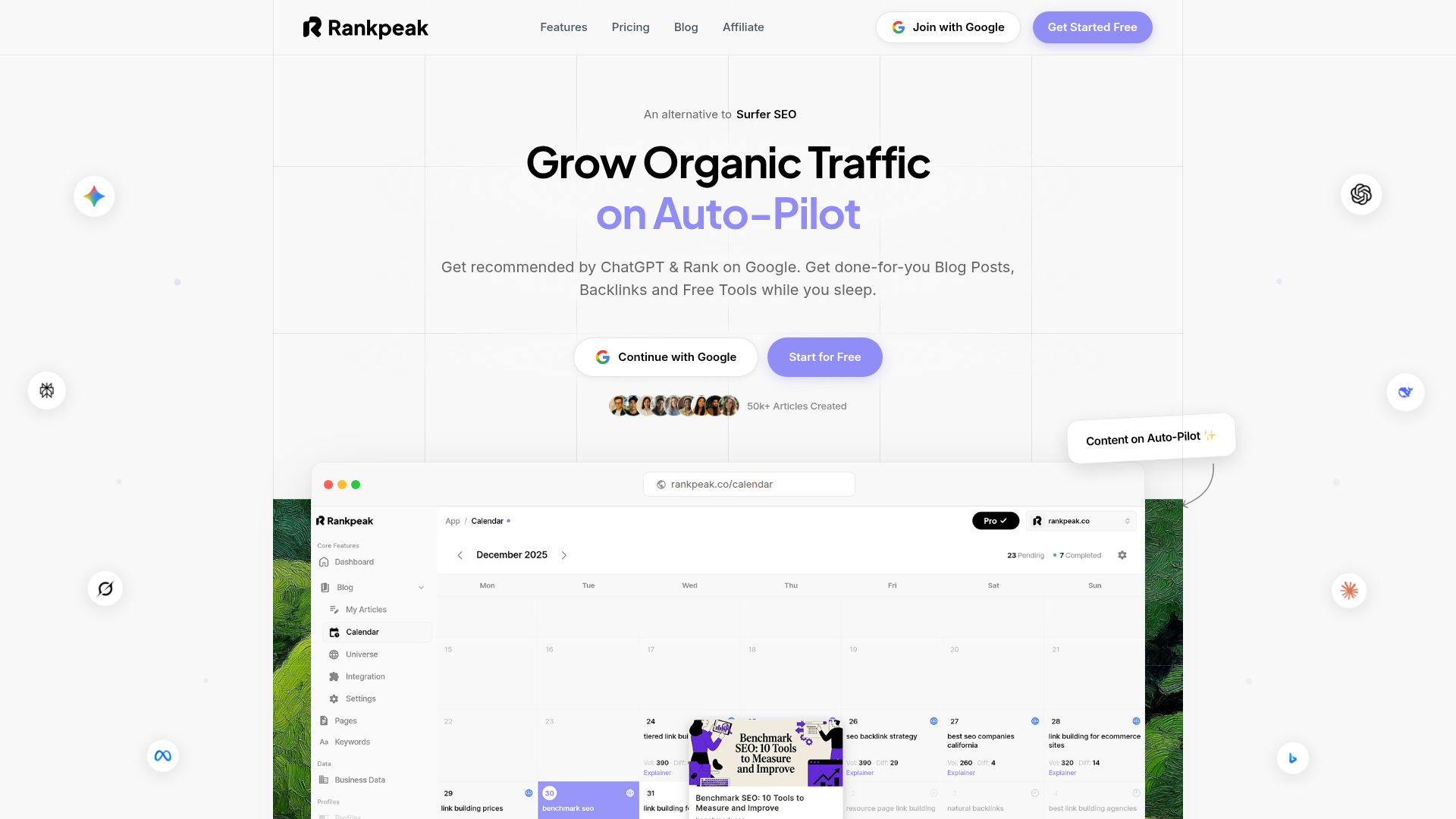
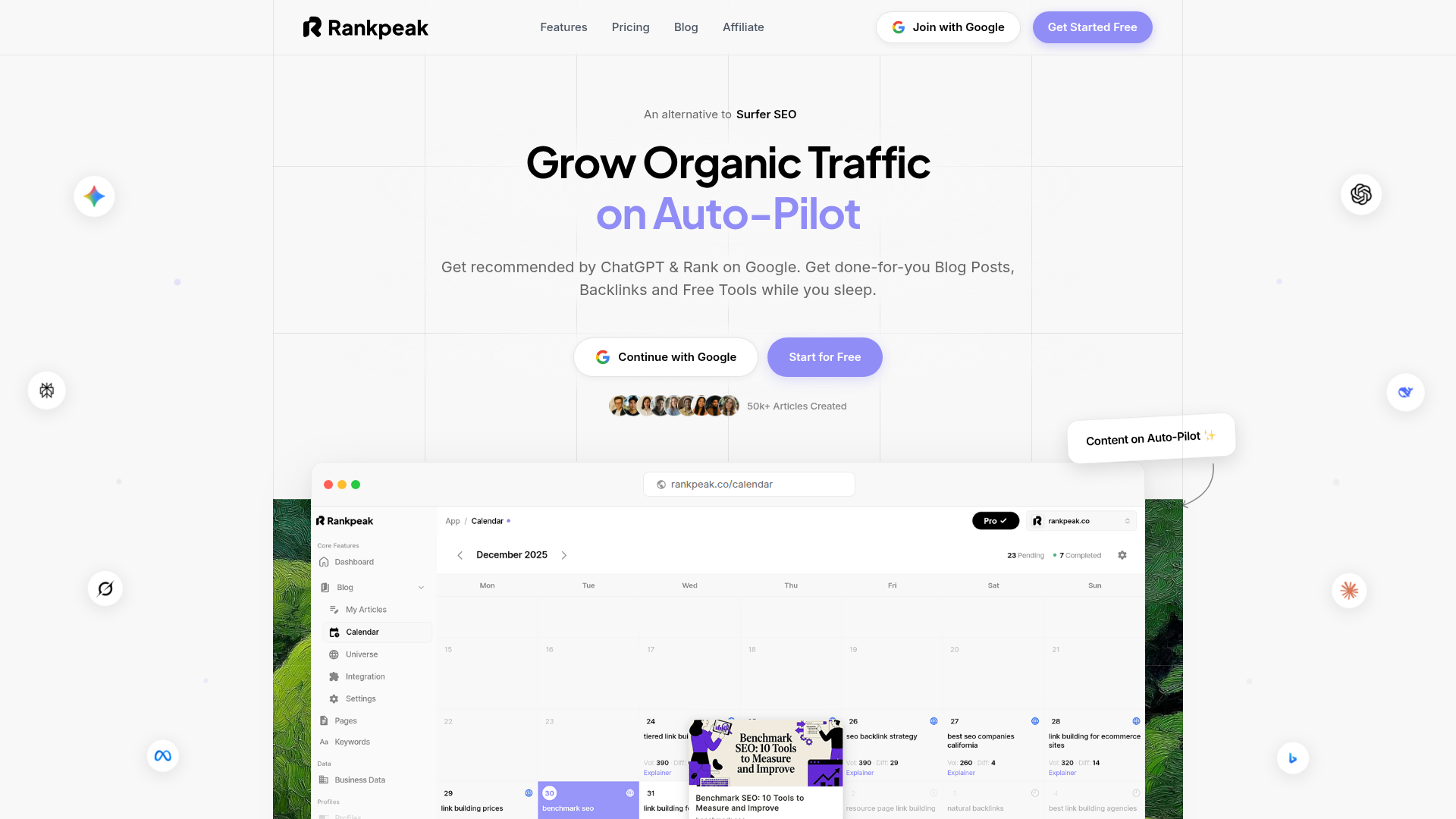
Rankpeak fits the done-for-you category for teams that want SEO and content execution to run as a repeatable system rather than a one-off project. In practice, that means you’re not just buying articles or audits—you’re buying a workflow that covers planning, production, optimization, and measurement.
How Rankpeak streamlines the process
A common failure mode with done-for-you SEO is fragmentation: one vendor does keyword research, another writes content, someone else updates the site, and reporting lives in a spreadsheet no one checks. Rankpeak is designed to reduce those handoffs by packaging research, content planning, and implementation support into a single operating rhythm. For small business owners, that can look like fewer meetings and clearer next steps. For marketing teams, it can look like a dependable content pipeline with defined QA and publishing checkpoints.
Practical walkthrough: using Rankpeak
1. Client onboarding and access: You start by sharing your site, target customers, and any existing analytics/search data. This is where you clarify what “done” means (rank improvements, qualified traffic, leads).
2. Opportunity mapping: Rankpeak identifies priority topics and pages based on intent, competition, and your current site structure. This is where done-for-you becomes valuable: you’re not guessing which pages to build first.
3. Content and page execution: Rankpeak supports creating or improving pages using a consistent brief format, on-page SEO checks, and structured internal linking. Many teams pair this with pre-made templates for briefs and approvals so the workflow stays fast.
4. Implementation support: If your bottleneck is publishing (CMS edits, formatting, metadata), implementation support matters. A done-for-you plan that stops at “here’s a doc” often underperforms.
5. Reporting and iteration: You track a small set of metrics—rank movement, clicks, conversions—and adjust the plan monthly. The goal is a streamlined process that compounds.
Time and effort considerations
Even with done-for-you, you’ll spend time on approvals and subject-matter input. Most teams do best when they assign one owner for feedback and keep turnaround tight. Expect the heaviest lift in the first 2–3 weeks (onboarding, aligning on voice, setting priorities), then less time as the system stabilizes.
Expected outcomes (and realistic trade-offs)
SEO is cumulative. With Rankpeak, the practical expectation is improved consistency: fewer stalled drafts, clearer prioritization, and better alignment between content and search intent. The trade-off is that you still need to commit to the process—access, approvals, and a willingness to iterate.
If you’re evaluating done-for-you SEO and want a workflow you can run month after month, explore Rankpeak’s onboarding flow and request a scoped plan that maps deliverables to outcomes.
Rankpeak Features
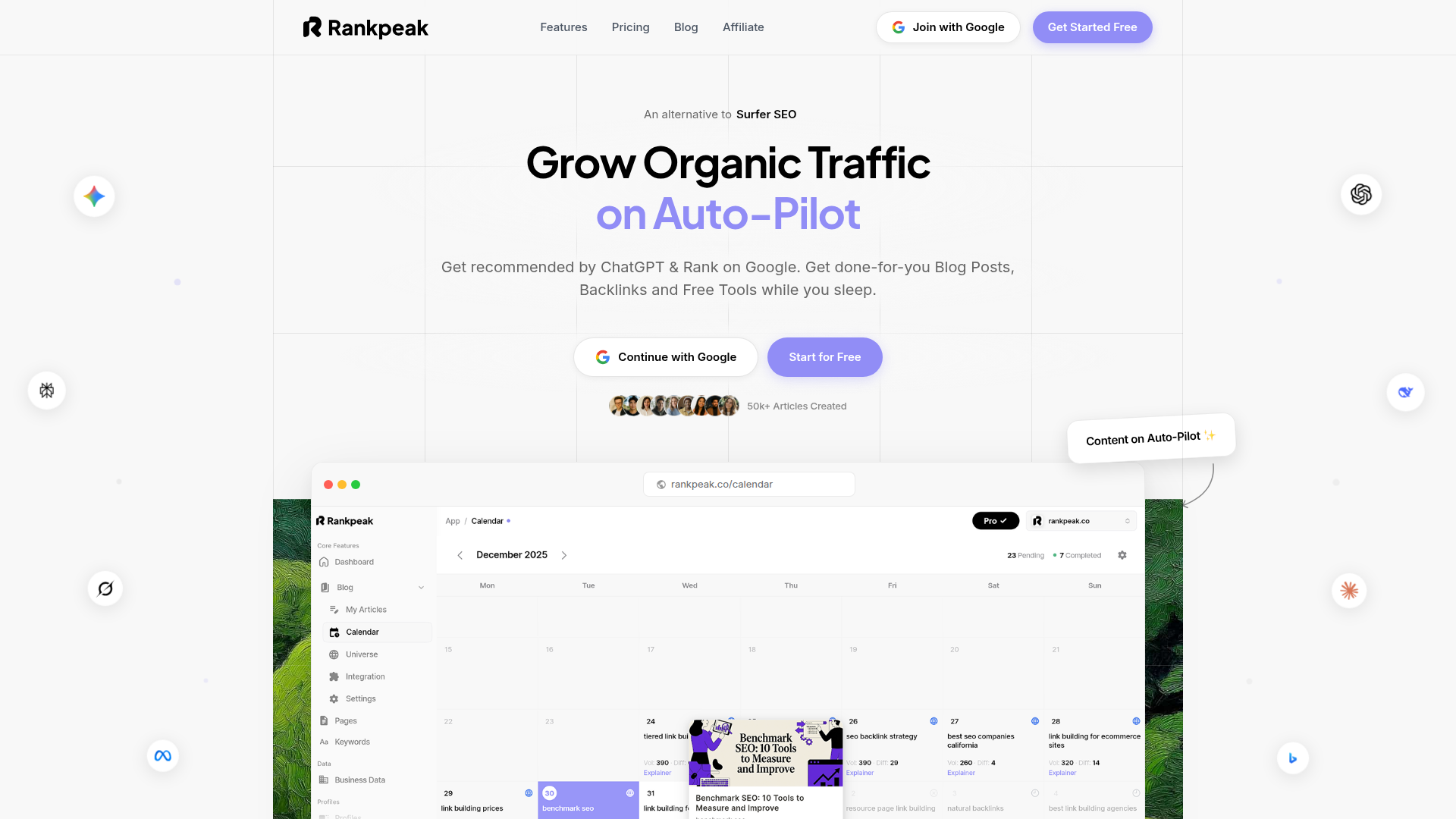
Rankpeak’s done-for-you approach centers on repeatable SEO execution. Key features typically include:
The practical benefit of these features is fewer disconnected tasks. Instead of treating SEO as a pile of tickets, Rankpeak makes done-for-you feel like an operating system: plan → produce → publish → measure → iterate.
Rankpeak Pricing
Rankpeak pricing typically varies based on scope: how many pages or content pieces you need per month, the competitiveness of your niche, and whether implementation support is included.
When comparing done-for-you pricing, ask for:
A useful way to evaluate Rankpeak (or any done-for-you SEO service) is cost per shipped asset (published page) plus the internal time you still spend on approvals.
Rankpeak Pros and Cons
Pros
Cons
Overall, Rankpeak is a good fit when you want done-for-you SEO to run as a consistent process rather than a sporadic project.
DesignPickle
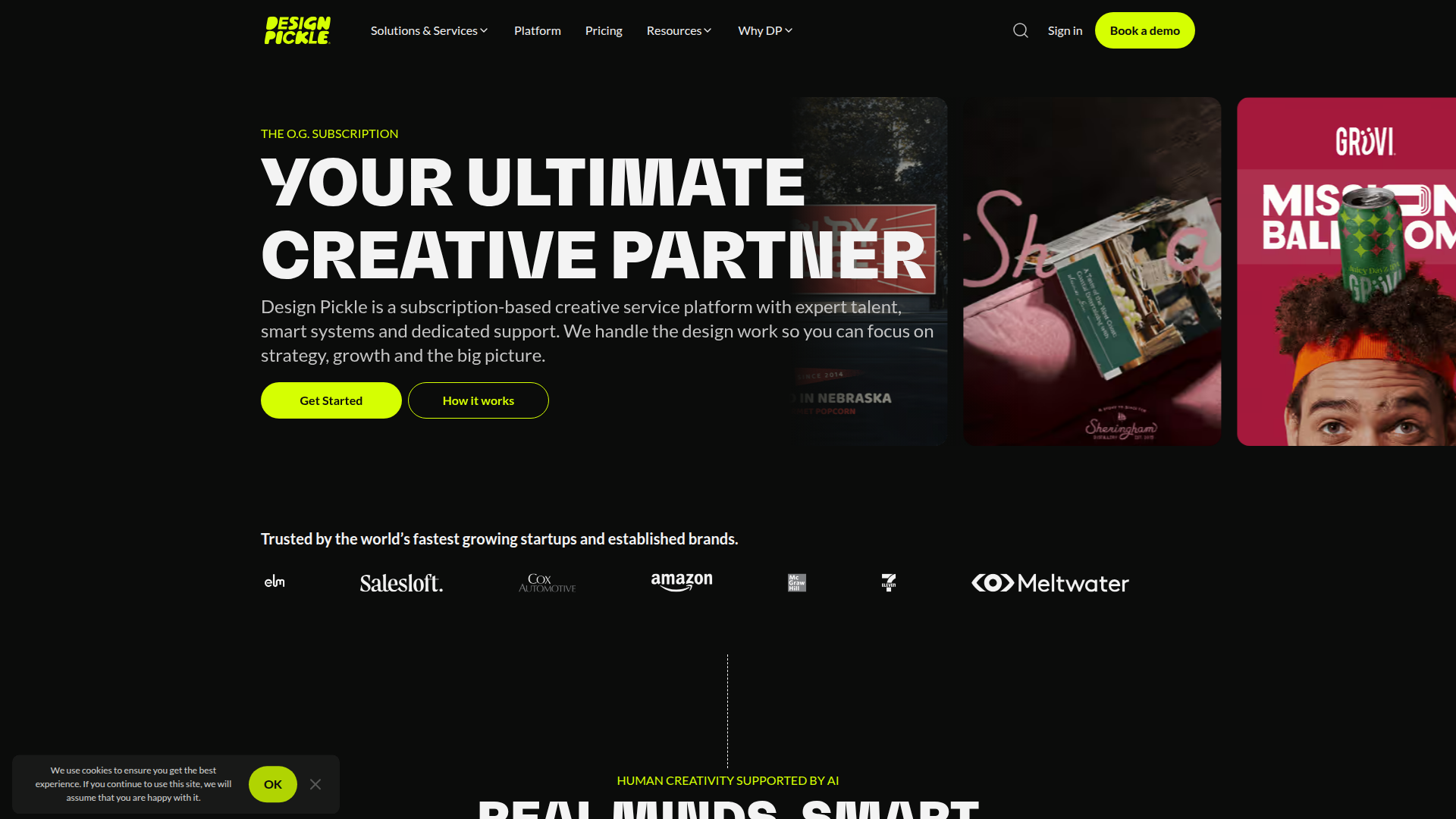
DesignPickle is a done-for-you design subscription: you pay a flat monthly fee and submit design requests into a queue. It’s commonly used for ongoing marketing needs—social graphics, ads, simple landing page sections, slide decks, and light brand collateral.
How it works: You submit requests with references (brand kit, examples). A designer produces drafts, you request revisions, and completed files are delivered. This model is effective when you have a steady stream of repeatable tasks and want predictable capacity.
Pricing structure: Typically subscription-based with tiers that affect turnaround, number of brands, or access to motion/illustration.
Pros
Cons
User review pattern: Teams like the reliability, but results depend on how well you brief. In done-for-you design, the brief is the product spec.
GrowthGeeks
GrowthGeeks is a marketplace model for done-for-you marketing tasks. Instead of a single subscription team, you pick from specialists for jobs like email marketing, SEO tasks, paid ads setup, analytics, and social media.
When it fits: If you have varied needs and don’t want a long-term retainer, a marketplace can be a flexible form of done-for-you. It’s also useful when you need a specific skill for a short burst (e.g., GA4 cleanup).
Pricing structure: Often per task or per project, sometimes with packaged service bundles.
Pros
Cons
Tip: Treat GrowthGeeks like a bench of specialists. Document decisions, keep briefs standardized, and store assets centrally so your done-for-you work doesn’t reset each time.
ManyPixels
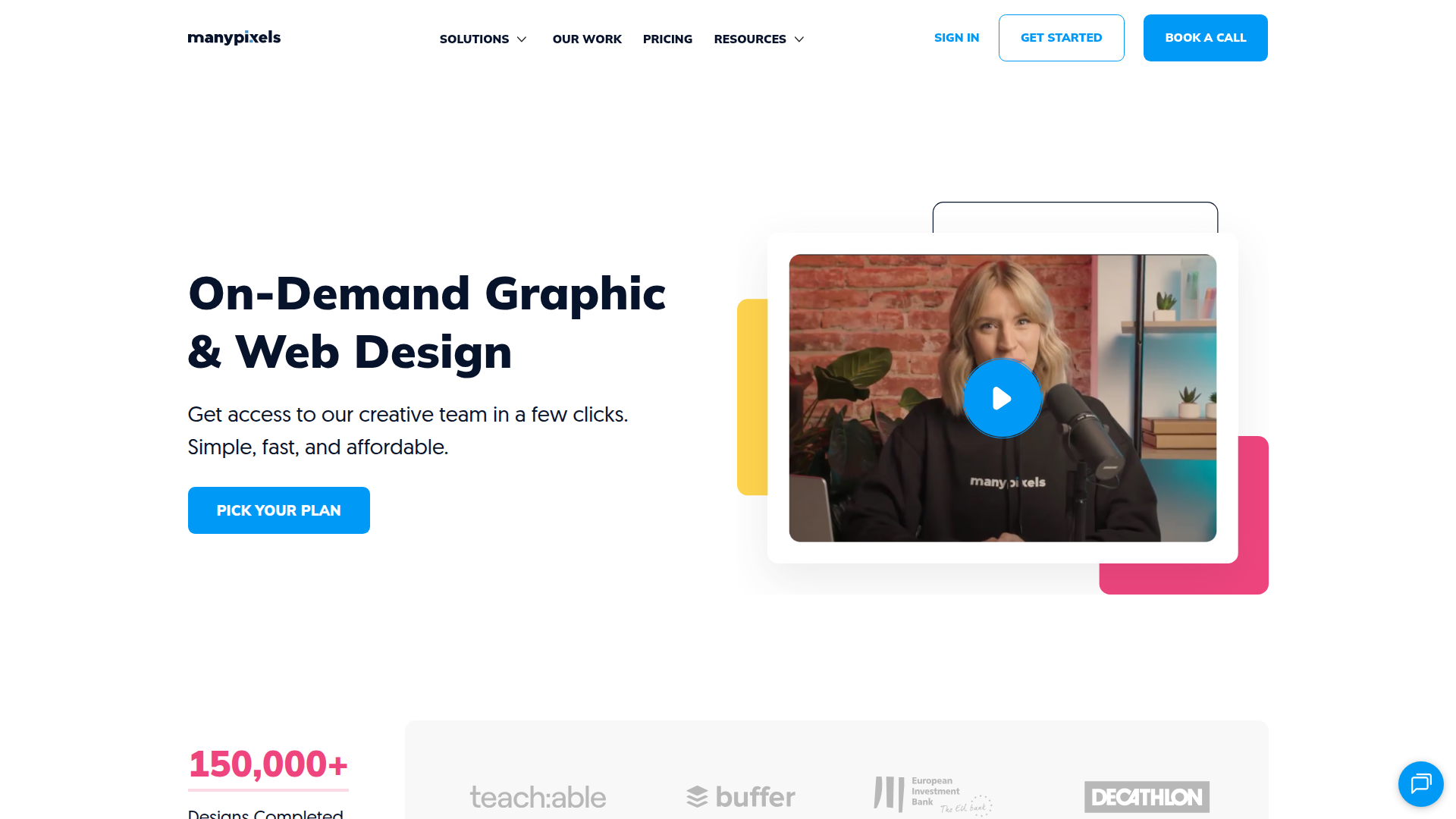
ManyPixels is another subscription done-for-you design service, similar in spirit to other unlimited-request models. It’s often used by startups and small marketing teams that need steady creative output without building an in-house design function.
What it offers: A broad range of design tasks—marketing graphics, brand assets, web and UI components (depending on plan), and sometimes motion.
Pricing structure: Monthly plans with differences in turnaround, number of brands, and service level.
Pros
Cons
For best results, build a request template and a shared asset library. Done-for-you design improves dramatically when inputs are consistent.
ClickFunnels
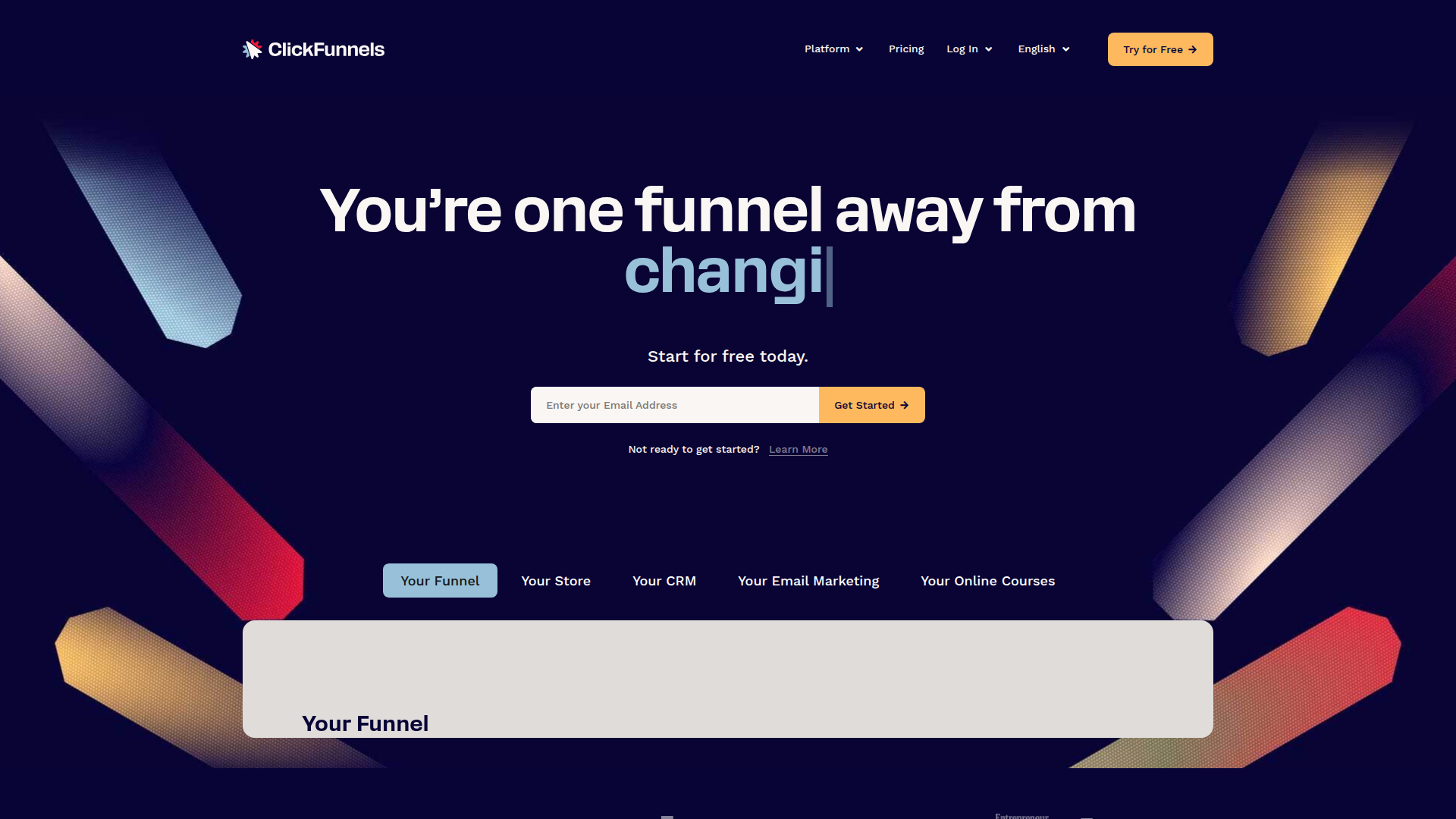
ClickFunnels is primarily a SaaS platform for building marketing funnels, but many businesses experience it as done-for-you adjacent because it provides turnkey systems: templates, automation, and guided setup.
What it does: Landing pages, checkout flows, upsells, email sequences (depending on plan), and funnel analytics. It’s designed to reduce the technical friction of launching.
Pricing structure: Monthly subscriptions with tiers.
Pros
Cons
If you want a more done-for-you experience, pair ClickFunnels with outsourced services for copywriting, design, and ads—then use ClickFunnels as the execution layer.
Hootsuite
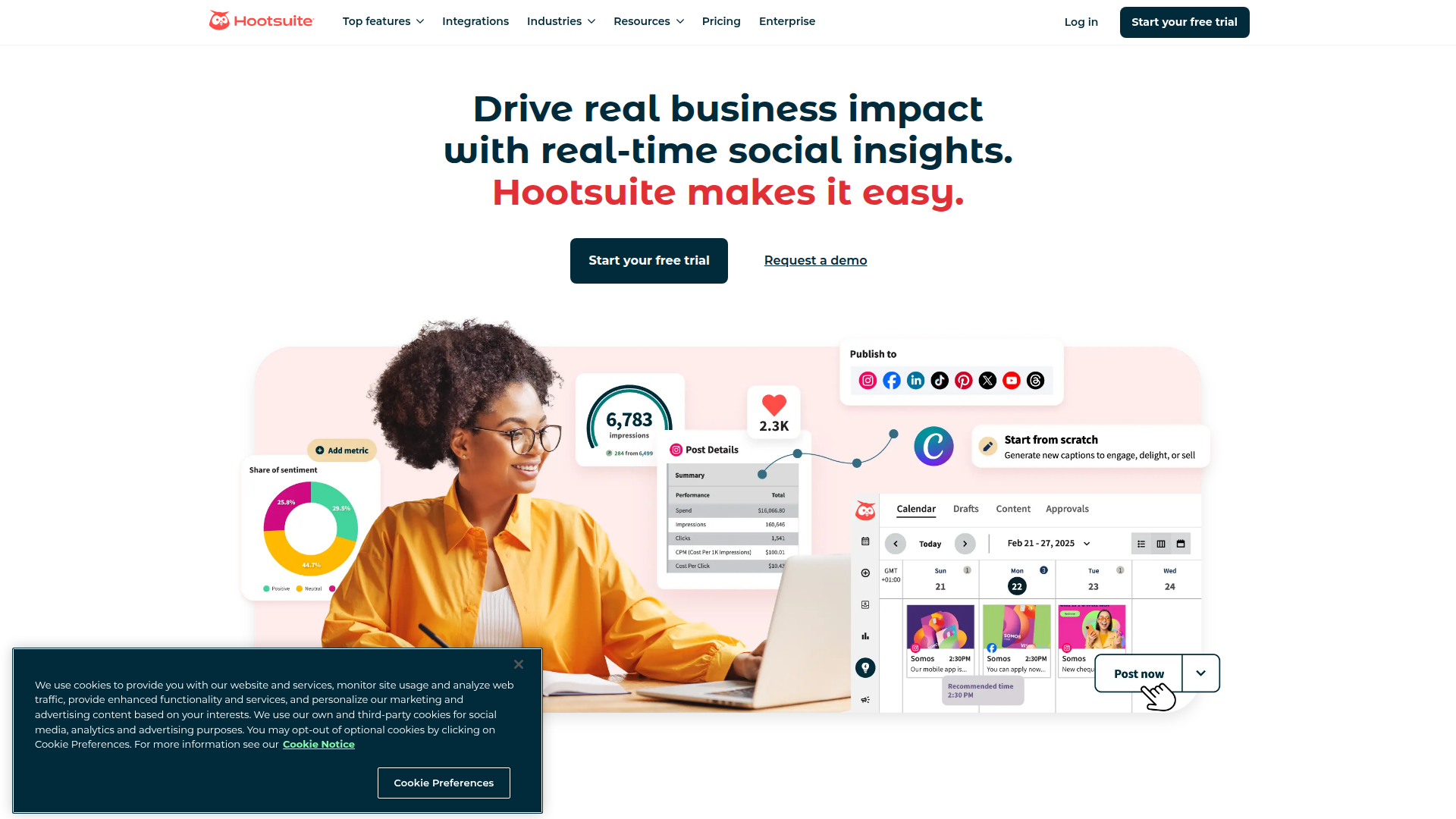
Hootsuite is a social media management platform. It’s not inherently done-for-you, but it supports done-for-you workflows by centralizing scheduling, monitoring, and team approvals.
Key capabilities: Multi-network scheduling, content calendars, inbox/engagement, analytics, and permissions for teams.
Pricing structure: Tiered SaaS plans.
Pros
Cons
Many teams combine Hootsuite with done-for-you content production (writers/designers) so the platform becomes the distribution and governance layer.
Bench
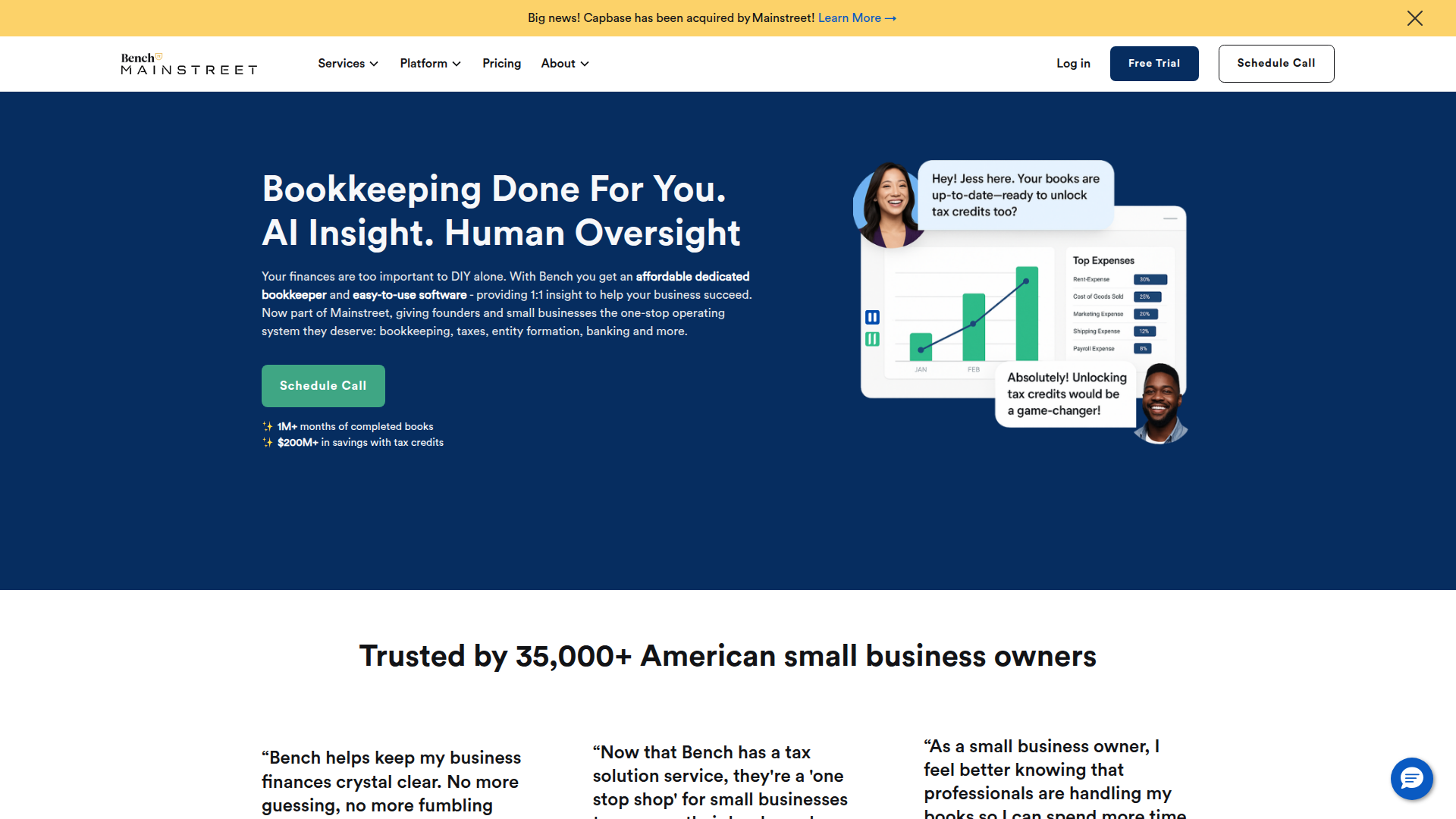
Bench provides online bookkeeping with a service component—closer to true done-for-you than most finance software. You typically get a dedicated bookkeeper (or team) plus a platform for document sharing and reporting.
What it covers: Categorization, monthly financial statements, and ongoing bookkeeping workflows. It’s aimed at small business owners who want financial clarity without doing the books themselves.
Pricing structure: Monthly subscription based on business complexity.
Pros
Cons
Cost/benefit note: If bookkeeping takes you 6–10 hours/month, done-for-you can pay for itself quickly—especially if it reduces errors and late fees.
TaskBullet
TaskBullet offers virtual assistant services using a “buy-a-bucket” model: you purchase a block of hours and allocate them across tasks. This is a flexible done-for-you option for admin, research, scheduling, inbox triage, and light ops.
How it works: You submit tasks, the VA executes, and hours are deducted. The model works best when tasks are well-defined and repeatable.
Pricing structure: Pay per bucket of hours; larger buckets reduce the effective hourly rate.
Pros
Cons
Best practice: Create SOPs for recurring tasks (posting, reporting, data entry). Done-for-you VA time is most valuable when it’s not spent guessing.
Tailor Brands
Tailor Brands provides branding tools that feel done-for-you in the sense that they generate ready-made options quickly: logos, brand kits, social assets, and sometimes domain and website add-ons.
What it’s good for: Early-stage businesses that need a baseline identity fast, or teams that want quick variations for testing.
Pricing structure: Tiered subscriptions and add-ons.
Pros
Cons
If you want done-for-you branding with more uniqueness, use Tailor Brands for a starting point, then have a designer refine the system.
99designs
99designs connects businesses with designers through contests or direct hiring. It’s done-for-you in the sense that you can outsource creative exploration and receive multiple concepts without managing a roster of freelancers.
How it works: You write a brief, designers submit concepts, you give feedback, and you select a winner (contest model) or work directly with a designer.
Pricing structure: Per project/contest, with tiers based on designer level and contest type.
Pros
Cons
For a smoother done-for-you experience, invest in the brief: audience, competitors, usage contexts, and examples of what you like/dislike.
MarketSmith
MarketSmith (by Investor’s Business Daily) is a stock research and analysis platform. It’s not a classic done-for-you service because it doesn’t execute trades for you, but it does provide structured, semi-automated solutions for screening and decision support.
What it offers: Stock charts, ratings, screening tools, and research workflows designed to streamline processes for investors.
Pricing structure: Subscription.
Pros
Cons
If your goal is fully done-for-you investing, you’d look at managed portfolios or advisors instead. MarketSmith is better viewed as an efficiency optimization tool for self-directed investors.
Podia
Podia is an all-in-one platform for creators to sell courses, memberships, and digital downloads. Like ClickFunnels, it’s not fully done-for-you, but it provides turnkey systems that reduce technical setup.
What it does: Storefront, checkout, digital delivery, email marketing (depending on plan), and membership management.
Pricing structure: Monthly subscription tiers.
Pros
Cons
Many creators pair Podia with done-for-you support—design subscriptions for assets, VAs for customer support, or SEO services (including systems like Rankpeak) to build long-term discovery.
Frequently Asked Questions
Are done-for-you services worth it for small businesses?
Often, yes—if the work is repeatable and you can provide timely inputs. Done-for-you is most valuable when it removes a bottleneck that’s blocking revenue or delivery.
What’s the difference between done-for-you and DIY tools?
DIY tools give you capability; done-for-you gives you execution. Many teams use both: a platform (DIY) plus outsourced services (done-for-you) for production and management.
How do I avoid wasting money on done-for-you?
Start with a pilot, define outcomes, and insist on scope clarity. A done-for-you provider should explain deliverables, timelines, and what they need from you.
How long until I see results?
It depends on the category. Done-for-you design and VA work can show value in days. Done-for-you SEO and brand building can take weeks to months. Paid ads can move quickly but require careful QA.
What should I prepare for onboarding?
Brand assets, access to accounts, product/service details, customer FAQs, and examples of what “good” looks like. Strong client onboarding is a hallmark of effective done-for-you.
Can done-for-you replace hiring?
Sometimes. Done-for-you can cover execution reliably, but you may still need an internal owner for strategy, approvals, and prioritization.
Conclusion
Done-for-you services work when they replace friction with a repeatable system: clear briefs, fast approvals, implementation support, and measurable outcomes. The upside is speed, expertise, and efficiency optimization; the downside is that you still need to participate—especially during client onboarding and feedback.
If you’re deciding where to start, pick one bottleneck (design throughput, bookkeeping, funnels, social scheduling, SEO) and run a short done-for-you pilot with a simple scorecard. Over time, the right done-for-you mix becomes part of your operating model: streamlined processes, fewer dropped balls, and more time spent on the work only you can do.