ahrefs vs kwfinder: Which SEO Tool Fits You?
Ahrefs: Comprehensive SEO Solution
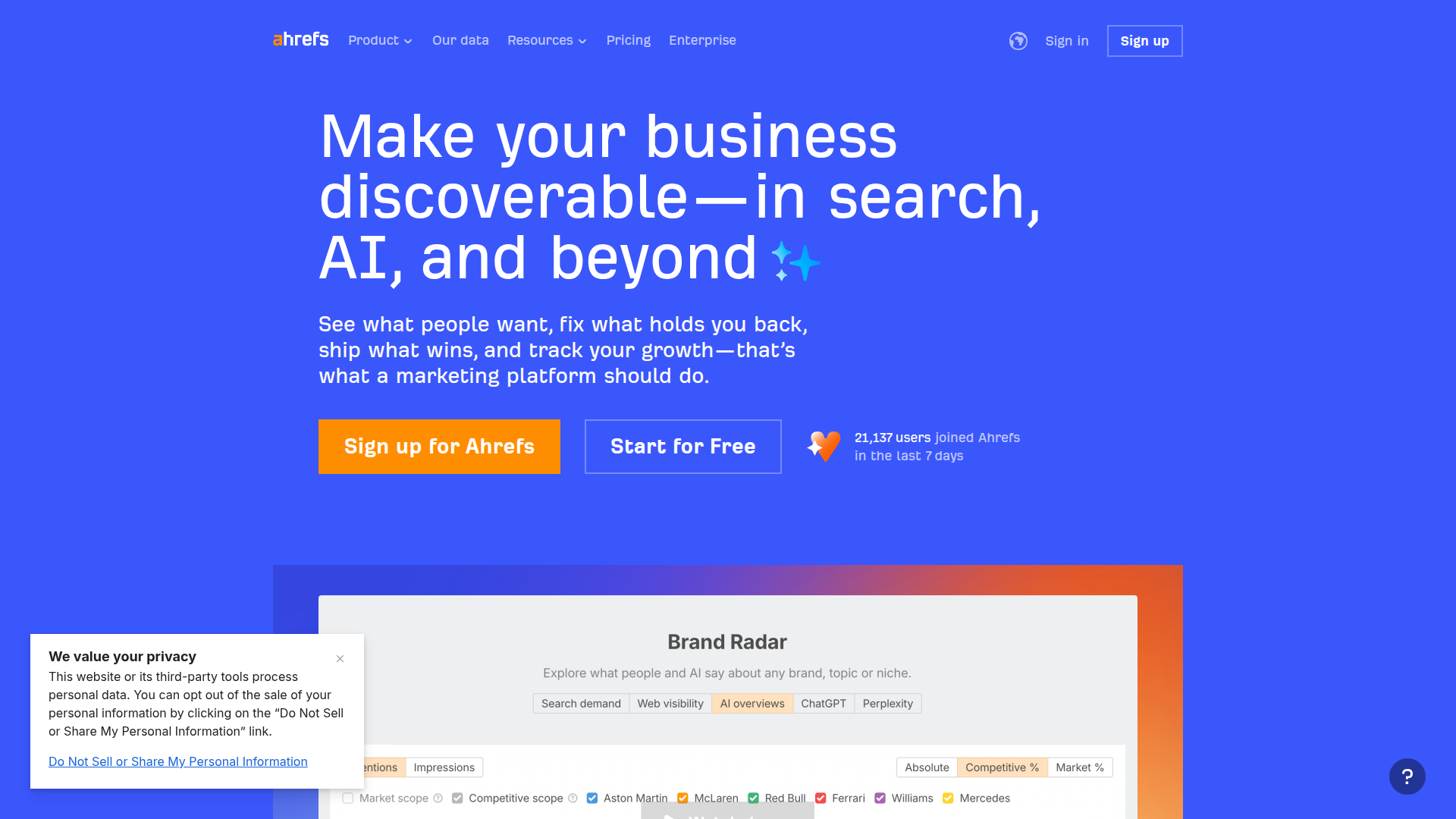
If you’re weighing ahrefs vs kwfinder, you’re really choosing between an all-in-one SEO suite and a more focused keyword research tool. Ahrefs is built for teams and site owners who want one place for backlink analysis, competitor analysis, site audit, and content planning.
Think of Ahrefs as a “whole SEO workflow” tool. You can research keywords, check what competitors rank for, find link building targets, and audit technical issues without jumping between platforms.
That breadth matters when SEO is more than picking keywords. If you’re managing a content strategy, tracking website metrics, and trying to grow domain authority over time, having everything connected can save hours.
Ahrefs also tends to be used by agencies and in-house marketers who need to answer hard questions fast. Questions like: “Why did traffic drop?” “Which pages are gaining links?” “What topics are competitors winning with?”
Where Ahrefs usually shines
A quick real-life example
A small SaaS team might use Ahrefs to spot a competitor’s top pages, map those topics to their own product, then build a content calendar. Later, they’ll use backlink reports to find sites linking to competitors and pitch those same sites. That’s a full loop inside one tool.
Updates and new features (what’s been changing)
Ahrefs keeps adding more content-focused features. In recent updates, the platform has leaned harder into content optimization signals, SERP intent clues, and better reporting views. The direction is clear: help you go from “data” to “what should I publish next?”
Long-term benefits
Over months, the biggest payoff is consistency. When keyword research, rank tracking, and link data live together, you can connect cause and effect. You publish, you earn links, rankings move, and you can see the chain in one place.
Ahrefs Key Features
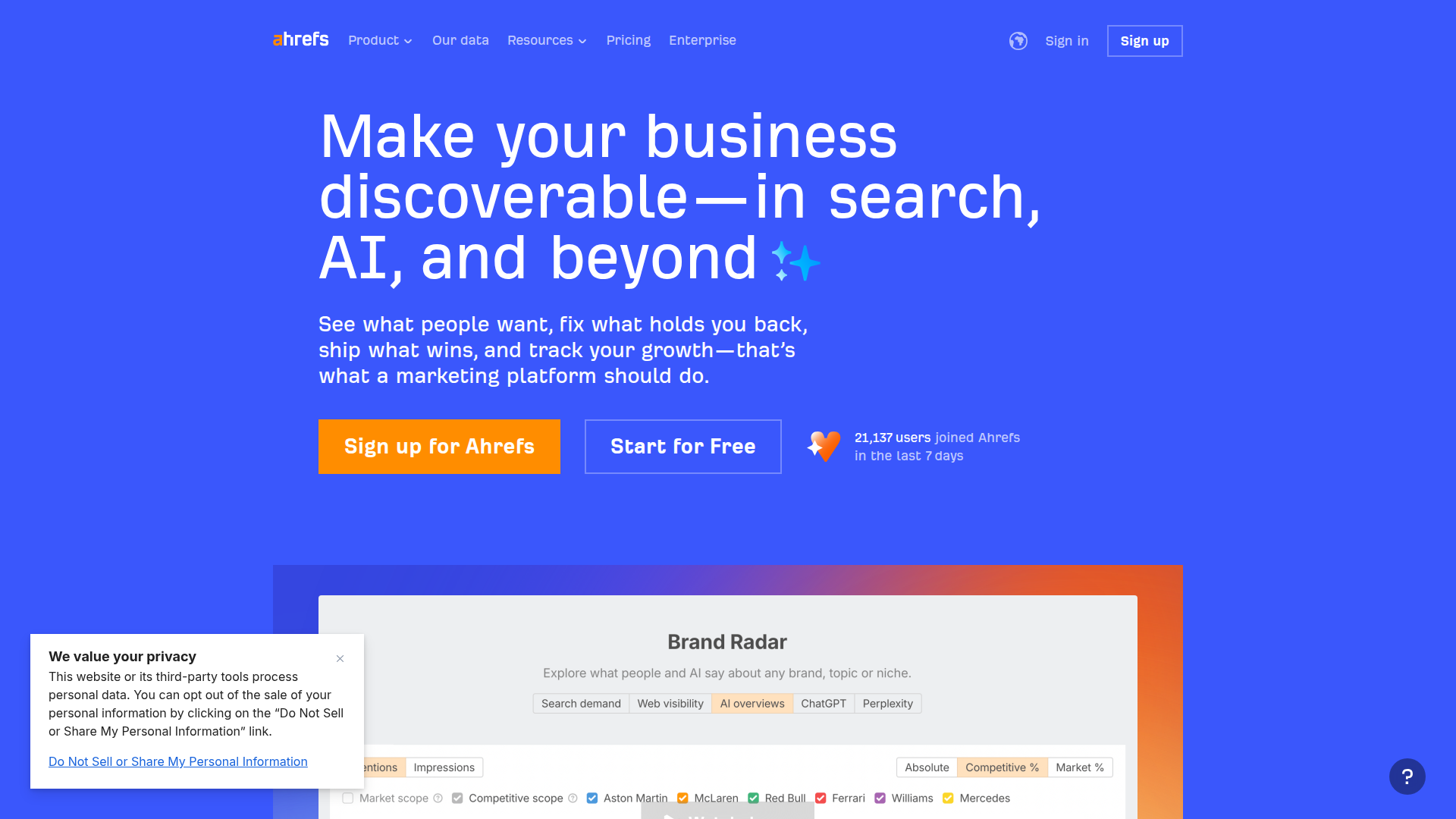
Ahrefs is known for depth. It’s not just one or two reports, it’s a set of tools that work together.
Backlink analysis (Site Explorer)
You can review who links to a site, which pages attract links, and how link profiles change over time. This is useful for link building, PR campaigns, and spotting risky link spikes.
Keyword research (Keywords Explorer)
You’ll get keyword ideas, difficulty estimates, SERP analysis, and traffic estimation. It’s helpful for building a content strategy around topics, not just single keywords.
Competitor analysis
Ahrefs makes it easy to compare domains, find content gaps, and see which pages drive the most organic traffic for competitors. This is often where teams find their next 20 article ideas.
Site audit
The crawler checks on-page SEO and technical issues like broken links, redirect chains, missing tags, slow pages, and indexability problems. For many sites, fixing these issues is the fastest way to improve search engine ranking.
Rank tracking
You can track keyword positions over time and segment by location. This helps when you need to prove progress to a client or your boss.
Content research and planning
Features like top pages, top content, and SERP overviews help you understand what “wins” in a niche. You can also spot content that earns links naturally.
Beginner tutorial: a simple Ahrefs workflow
Integration options
Ahrefs is mostly a standalone platform, but it plays well with your existing stack through exports and reporting. Many teams export data into Google Sheets, Looker Studio dashboards, or internal BI tools. It’s also common to pair it with Google Search Console and Google Analytics for validation, since those show your real clicks and queries.
Ahrefs Pricing
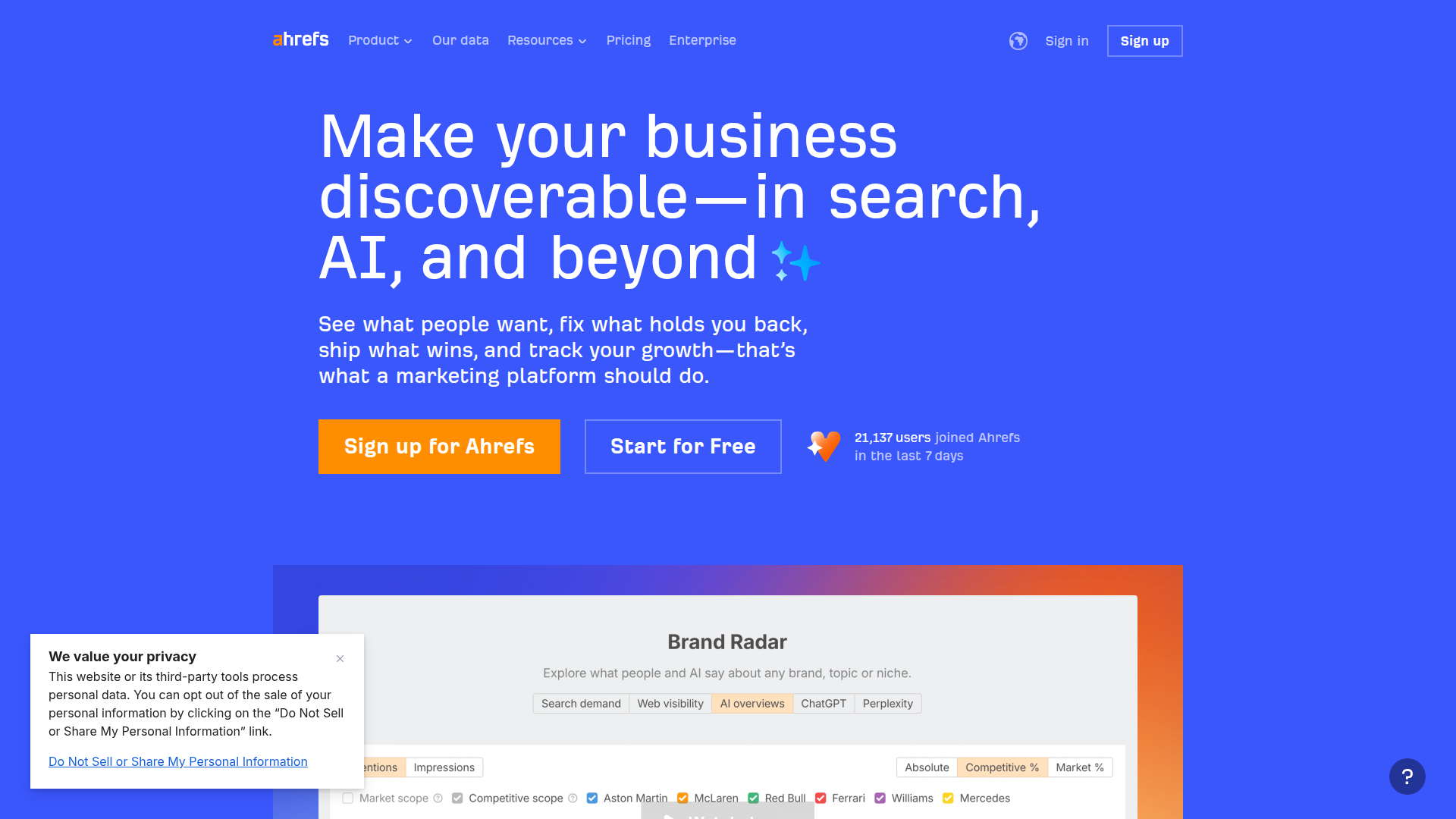
Ahrefs pricing is usually the biggest sticking point. It’s positioned for serious SEO work, and the cost reflects that.
How pricing is typically structured
Ahrefs plans usually scale by:
What you’re paying for
You’re paying for breadth and depth. If you need backlink analysis, competitor analysis, site audit, and keyword research in one place, the value is easier to justify.
Practical way to judge value for money
Ask two questions:
Pricing tip for small teams
If budget is tight, limit seats and build a simple process. One person pulls reports, exports key tables, and shares them. It’s not perfect, but it keeps costs down while you still get the data.
Ahrefs Pros and Cons
KWFinder: Focused Keyword Research
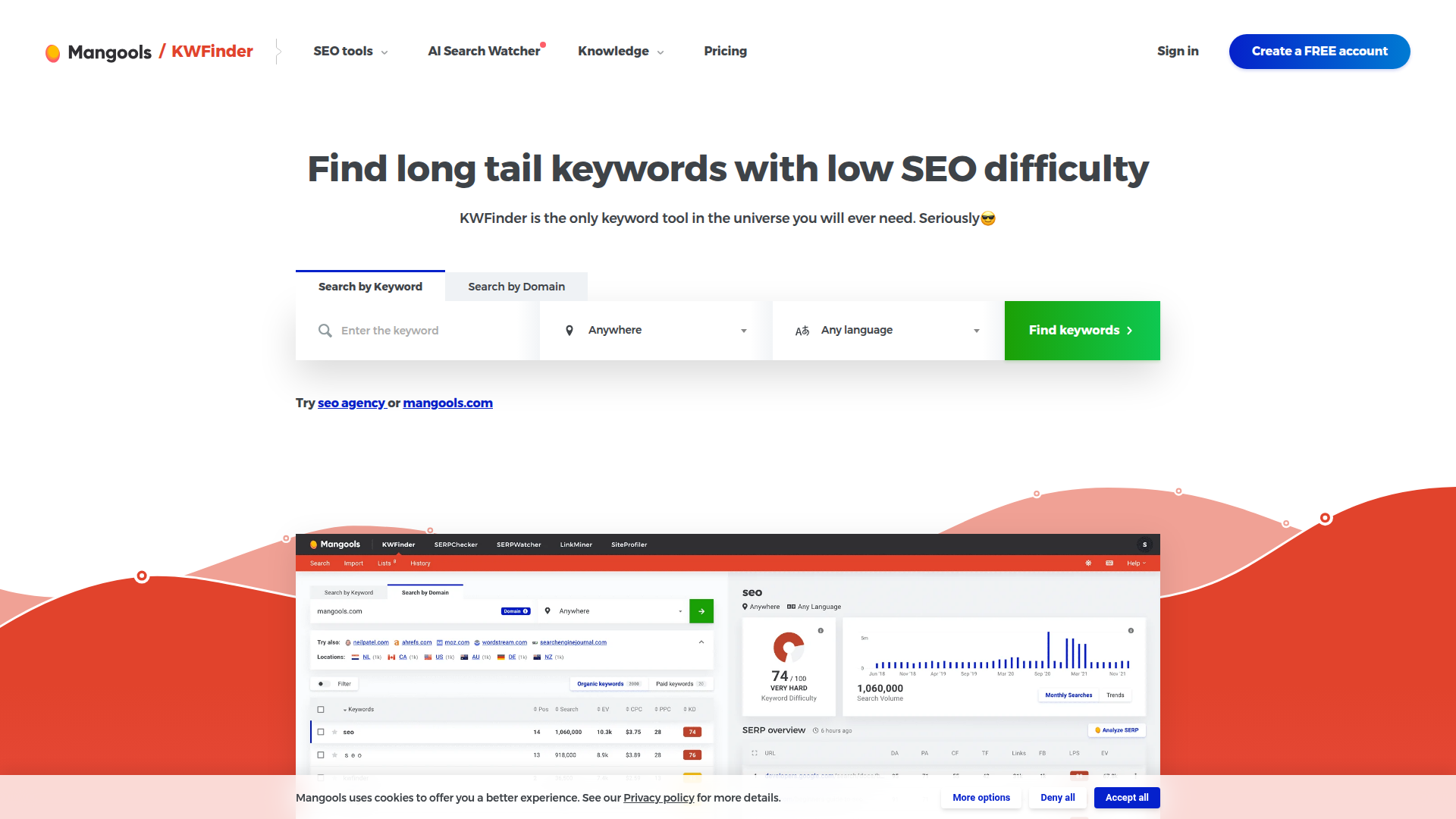
KWFinder is built for people who want keyword research without the weight of a full SEO suite. In the ahrefs vs kwfinder conversation, KWFinder often appeals to bloggers, small business owners, and marketers who mainly need keyword ideas, difficulty scores, and SERP snapshots.
Its biggest selling point is simplicity. You can type in a seed keyword, filter results, and quickly find long-tail keywords that look realistic to rank for.
That focus can be a real advantage. If you’ve ever opened a big SEO platform and thought, “I just want keywords,” KWFinder feels calmer.
Who KWFinder fits well
A quick real-life example
A food blogger might use KWFinder to find low-difficulty recipe keywords, check the SERP for intent, then plan a month of posts. They don’t need deep backlink analysis every day, so a focused tool makes sense.
Updates and new features
KWFinder and its related tools have been improving filters, SERP previews, and workflow polish. The trend is toward faster keyword discovery and better organization, like lists and saved keyword sets.
Long-term benefits
The long-term win is consistency in publishing. If KWFinder helps you find realistic keywords week after week, you build topical coverage and grow search engine ranking steadily, even without advanced link building.
KWFinder Key Features
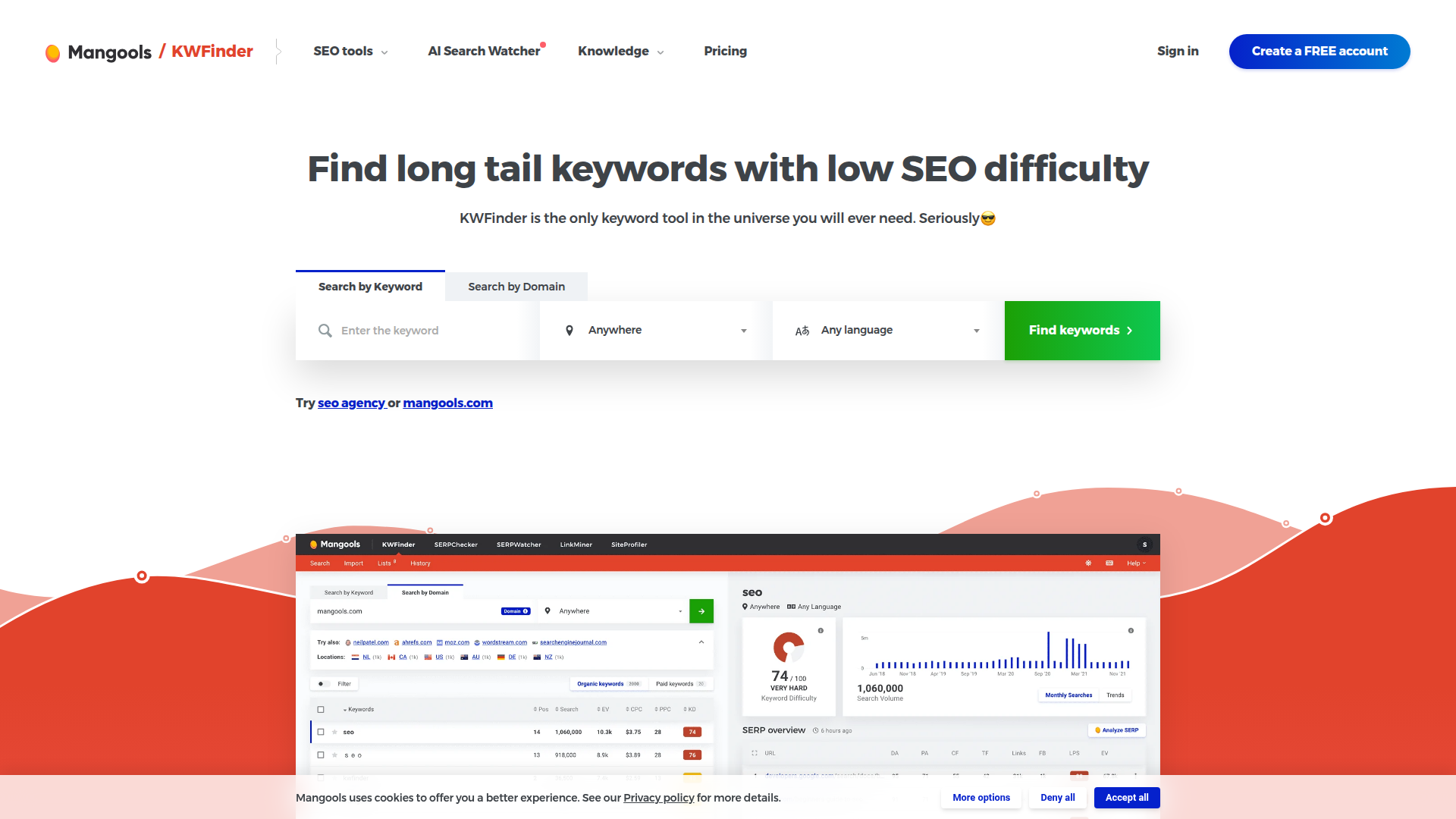
KWFinder is centered on keyword research, but it still covers the basics you need to make decisions.
Keyword suggestions and long-tail discovery
You can generate keyword ideas from a seed term and quickly spot long-tail keywords. Long-tail terms often convert well because they match specific intent.
Keyword difficulty and SERP analysis
KWFinder shows a difficulty score and a SERP overview so you can judge competition. This helps you avoid wasting time on keywords that are out of reach.
Filters that actually help
Filtering by search volume, difficulty, and word count makes it easier to find “easy wins.” For example, you can look for phrases with moderate volume and low difficulty.
Lists and organization
Saving keywords into lists sounds basic, but it’s huge for content planning. You can group by topic cluster, product category, or funnel stage.
Related tools in the ecosystem
Depending on your plan, you may also have access to rank tracking and basic backlink checks through companion tools. It’s not the same depth as a full suite, but it covers common needs.
Beginner tutorial: a simple KWFinder workflow
Integration options
KWFinder data is easy to export for planning. Many users combine it with Google Search Console for query validation and with a content calendar in Sheets, Notion, or Trello. If you’re doing on-page SEO, pairing it with a page optimization checklist works well.
KWFinder Pricing
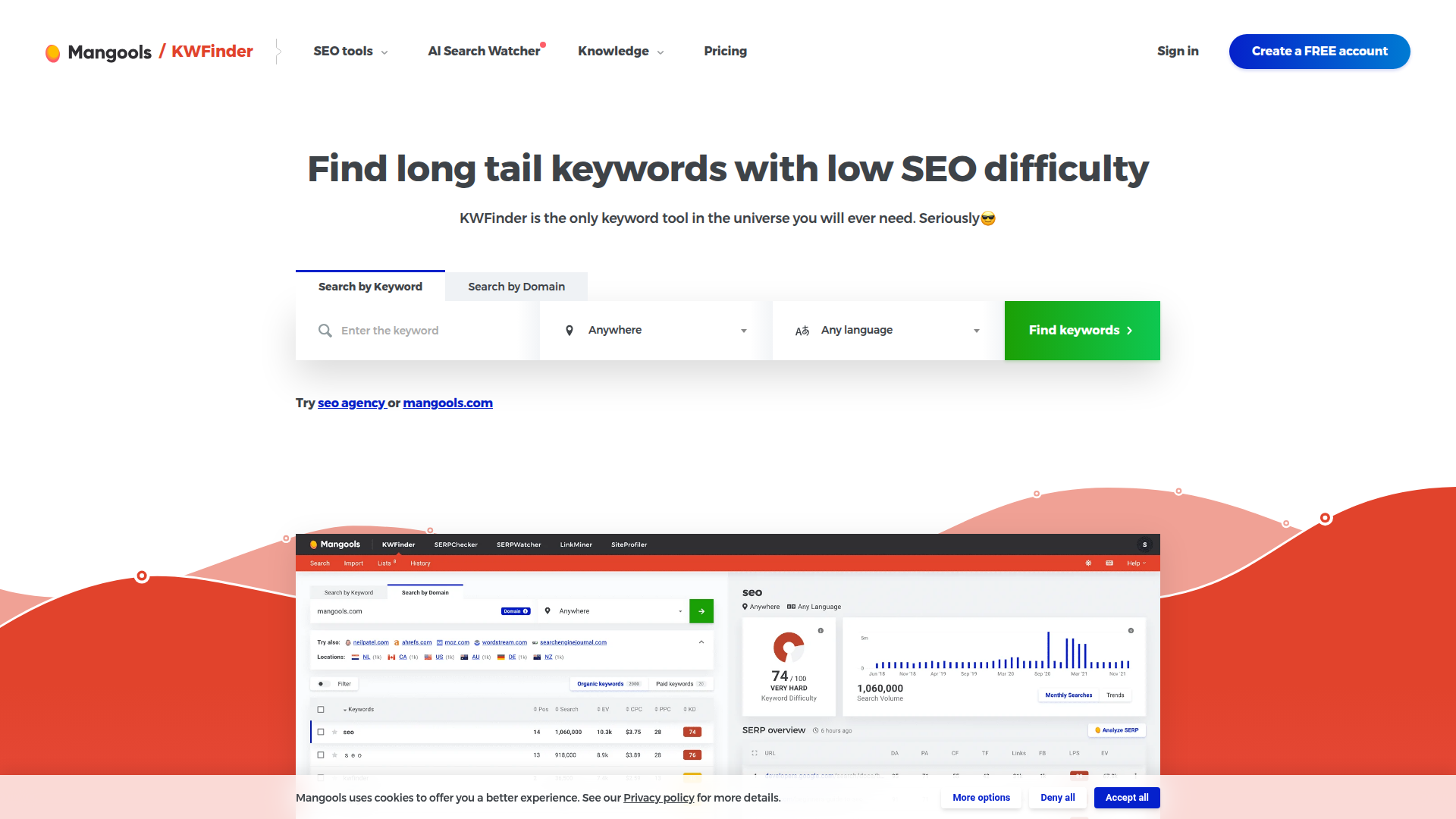
KWFinder is generally priced to be approachable for individuals and small teams.
How pricing is typically structured
Plans usually scale by:
What you’re paying for
You’re paying for keyword research speed and ease. If keyword discovery is your main job, the value is straightforward.
Pricing breakdown tip
Before you choose a tier, estimate your weekly workflow:
If you only publish a few pieces a month, a lower tier may be enough. If you’re running a content machine, daily limits matter more than anything.
KWFinder Pros and Cons
What to Look For

When people compare ahrefs vs kwfinder, they often focus on features. That’s fine, but your decision should start with your workflow. What do you do every week?
Here are the factors that matter most, with plain-language ways to judge them.
Your main SEO job
Ask yourself what you do most:
Data depth vs speed
Some tools give you a quick answer. Others give you ten charts and five ways to slice the data.
If you’re a solo creator, speed often wins. If you’re reporting to a team, depth can save you from bad calls.
Accuracy and how to validate it
No SEO tool has perfect numbers. Search volume, traffic estimation, and difficulty are models.
A practical approach:
Reporting and collaboration
If you work with clients or a team, ask:
Integrations and your existing stack
Most SEO tools integrate through exports, APIs, or simple workflows with Sheets and dashboards.
If you already rely on Search Console, Analytics, and a content calendar, pick the tool that fits that rhythm.
Learning curve and time cost
A tool isn’t “cheap” if it takes 20 hours to learn. Be honest about how much time you’ll spend.
Long-term fit
Your needs may change. Many people start with keyword research, then later need competitor analysis, rank tracking, and link building. Consider where you’ll be in 6 to 12 months.
Comparison Table

Here’s a side-by-side view to make the ahrefs vs kwfinder decision easier. Treat it as a workflow guide, not a scorecard.
Quick interpretation
If your SEO work includes backlink analysis and technical fixes, the table leans one way. If your work is mostly keyword research and publishing, it leans the other way.
How to Choose the Right Tool

Choosing between ahrefs vs kwfinder comes down to matching the tool to your goals, your budget, and how you actually work.
Scenario 1: You’re building a content engine
If you publish often and want a steady pipeline of topics, start by asking:
If you mostly need keyword discovery and quick decisions, a focused tool can be enough. If you also need to plan clusters, analyze competitors deeply, and measure link growth, a broader suite may pay off.
Scenario 2: You’re doing link building or PR
Link building is hard without strong backlink analysis. You need to know:
In that case, prioritize link data depth and reliable competitor link reports.
Scenario 3: You manage a large or messy site
For big sites, technical SEO and on-page SEO issues can hold you back more than keyword choices.
A site audit that finds indexability issues, broken internal links, and duplicate pages can move the needle faster than chasing new keywords.
Scenario 4: You’re new to SEO
If you’re learning, pick the tool you’ll actually open.
A simple workflow you can repeat beats a powerful platform you avoid.
A practical decision checklist
Mini case studies (how people decide)
The right choice is the one that supports your routine without draining your time or budget.
Final Verdict

The ahrefs vs kwfinder choice isn’t about which tool is “better.” It’s about which one fits your SEO work today.
If you need a comprehensive view of website metrics, backlink analysis, competitor analysis, and site audit data, a full suite makes sense. It’s built for ongoing SEO management and deeper decisions.
If your main goal is keyword research, finding long-tail keywords, and doing quick SERP analysis for content planning, a focused tool can be a smarter and calmer choice.
A simple way to decide in 30 seconds
Try Rankpeak
If you’re still unsure after comparing ahrefs vs kwfinder, try a lighter approach for a week. Pick a small set of pages, track rankings, and focus on the actions you can control: better content, cleaner on-page SEO, and a few solid links. If you want a simple way to keep that routine organized, Rankpeak can help you plan, track, and stay consistent without turning SEO into a second full-time job. Give it a spin and see if it fits your workflow.