Best tool for social media analytics: 10 picks
Introduction

Finding the best tool for social media analytics comes down to one thing, what decisions you need to make each week. Some teams need fast campaign tracking. Others need deep social listening, sentiment analysis, and competitor analysis.
In this guide, I’m comparing tools the way a working marketing team would. That means looking at performance metrics you can act on, reporting that doesn’t take hours, and integrations that fit your stack.
What to look for when choosing analytics software
How we’ll compare tools
For each option below, you’ll see what it’s good at, who it’s for, and where it can feel limiting. You’ll also get practical examples, including mini case studies and the kind of user feedback you’ll hear from real teams.
Rankpeak
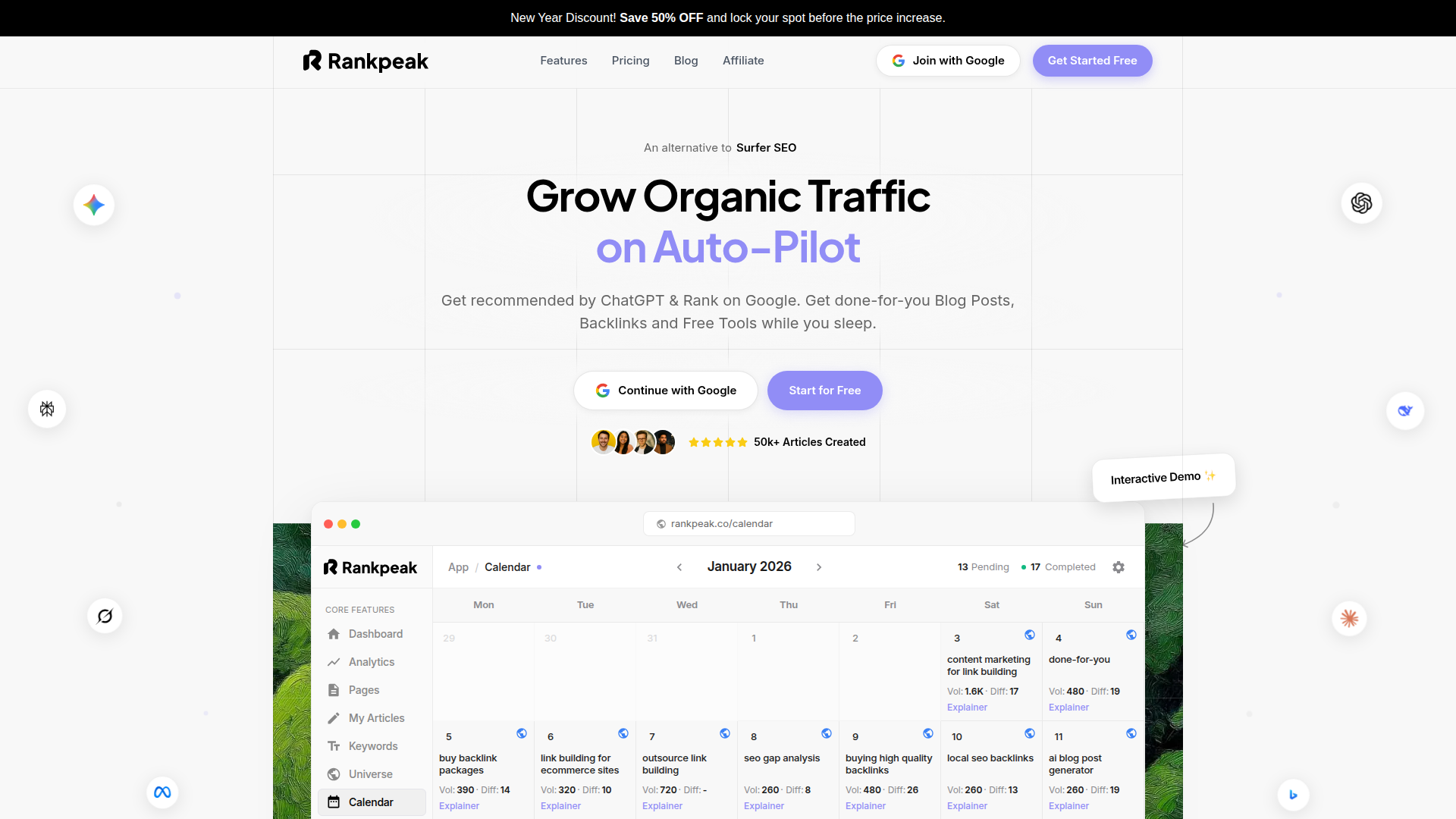
Rankpeak is built for small business owners, entrepreneurs, and marketing teams that want clear marketing insights without living in spreadsheets. It focuses on turning social performance metrics into decisions you can actually make, like what to post more of, which channels deserve budget, and how to explain results to a client or a boss.
What Rankpeak does well
Rankpeak brings your key social media analytics into one place and keeps the reporting practical. Instead of flooding you with charts, it helps you track user engagement, content performance, and campaign tracking in a way that’s easy to review weekly.
A common pain point for small teams is context. A post got 2,000 views... is that good? Rankpeak’s reporting approach is designed to make trends and comparisons obvious, so you can spot what changed and why.
Key features you’ll likely care about
Strengths in day-to-day use
Rankpeak tends to shine when you need speed and clarity. If you’re a founder doing marketing between sales calls, you don’t want a tool that takes a week to learn. The layout is meant to reduce the learning curve, so you can check results, make a call, and move on.
It’s also a solid fit when you need to communicate results. Many teams struggle to translate social data into a story. Rankpeak’s dashboards and summaries make it easier to show what drove brand awareness, what improved ROI measurement, and what should change next.
Integrations and workflow fit
Most teams don’t run social in a vacuum. Rankpeak is designed to fit into a broader workflow, so you can connect your social reporting to the rest of your marketing stack. When you can line up social performance with site behavior and lead capture, your reporting gets more credible fast.
Who it’s ideal for
Pricing
Pricing varies by plan and usage. In practice, it’s positioned for teams that want strong analytics value without paying for a huge suite they won’t use.
If you’re trying to decide on the best tool for social media analytics for a small team, Rankpeak is worth a hands-on trial. Take a week of real posts and campaigns, then see if the insights change what you do next. You can start with Rankpeak, connect your channels, and review your first report before your next content planning meeting.
Hootsuite
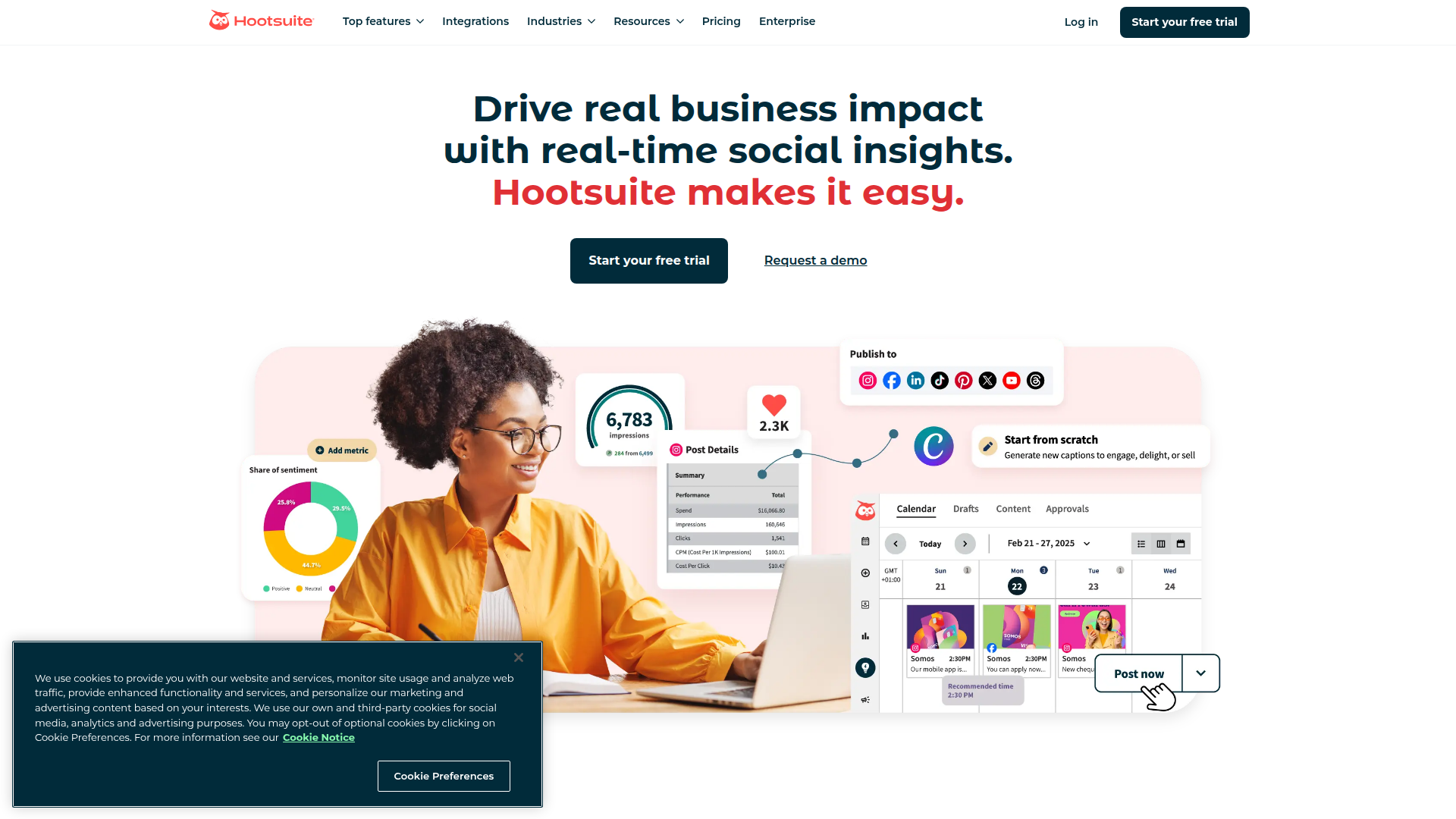
Hootsuite is a familiar name because it covers a lot of ground. It’s a social media management platform first, with analytics built in. If your team needs scheduling, inbox management, and reporting in one place, it can reduce tool sprawl.
Where Hootsuite fits
Hootsuite works well for businesses that manage several profiles and need oversight. You can track performance metrics across networks, monitor mentions, and keep an eye on response times.
Analytics highlights
Real-time and alerts
For real-time analytics, Hootsuite can help you watch spikes in engagement and mentions, especially during campaigns. It’s not as deep as dedicated listening platforms, but it’s useful for day-to-day awareness.
Integrations
Hootsuite supports many integrations, including ad tools and CRMs depending on plan. If your workflow already lives in Hootsuite, having analytics in the same place is convenient.
Usability notes
The interface is powerful, but it can feel busy. New users often say it takes a bit of setup to get dashboards and reports looking the way they want.
Mini case study
A local retail chain running weekly promos used Hootsuite to schedule posts and track campaign tracking results. Their biggest win was consistency. Once reports were templated, they could compare week-over-week performance without rebuilding slides.
If you’re choosing the best tool for social media analytics and also need publishing and engagement tools, Hootsuite is a practical all-in-one option.
Buffer
Buffer is known for being simple. It’s often used by solo marketers and small companies that want scheduling plus clear analytics without a heavy learning curve.
What Buffer is good at
Buffer’s analytics focus on what most people check daily, post performance, user engagement, and audience growth. It’s not trying to be a full social listening suite.
Analytics features
Integrations
Buffer connects with common social networks and has integrations through third-party tools. If you rely on a CRM or email platform, you may need a connector like Zapier.
Mobile experience
Buffer’s mobile app is one of its strengths. If you’re approving posts or checking results between meetings, it’s easy to use.
User feedback you’ll hear
People like Buffer because it doesn’t feel overwhelming. The trade-off is depth. If you need sentiment analysis, influencer analytics, or advanced competitor analysis, you’ll likely outgrow it.
Mini case study
A freelance consultant used Buffer to test two content themes for a month. The simple data visualization made it obvious which theme drove more clicks. They then shifted their content calendar and saw steadier site traffic.
If your goal is to keep social reporting lightweight, Buffer can still be in the running for the best tool for social media analytics for a one-person team.
Sprout Social
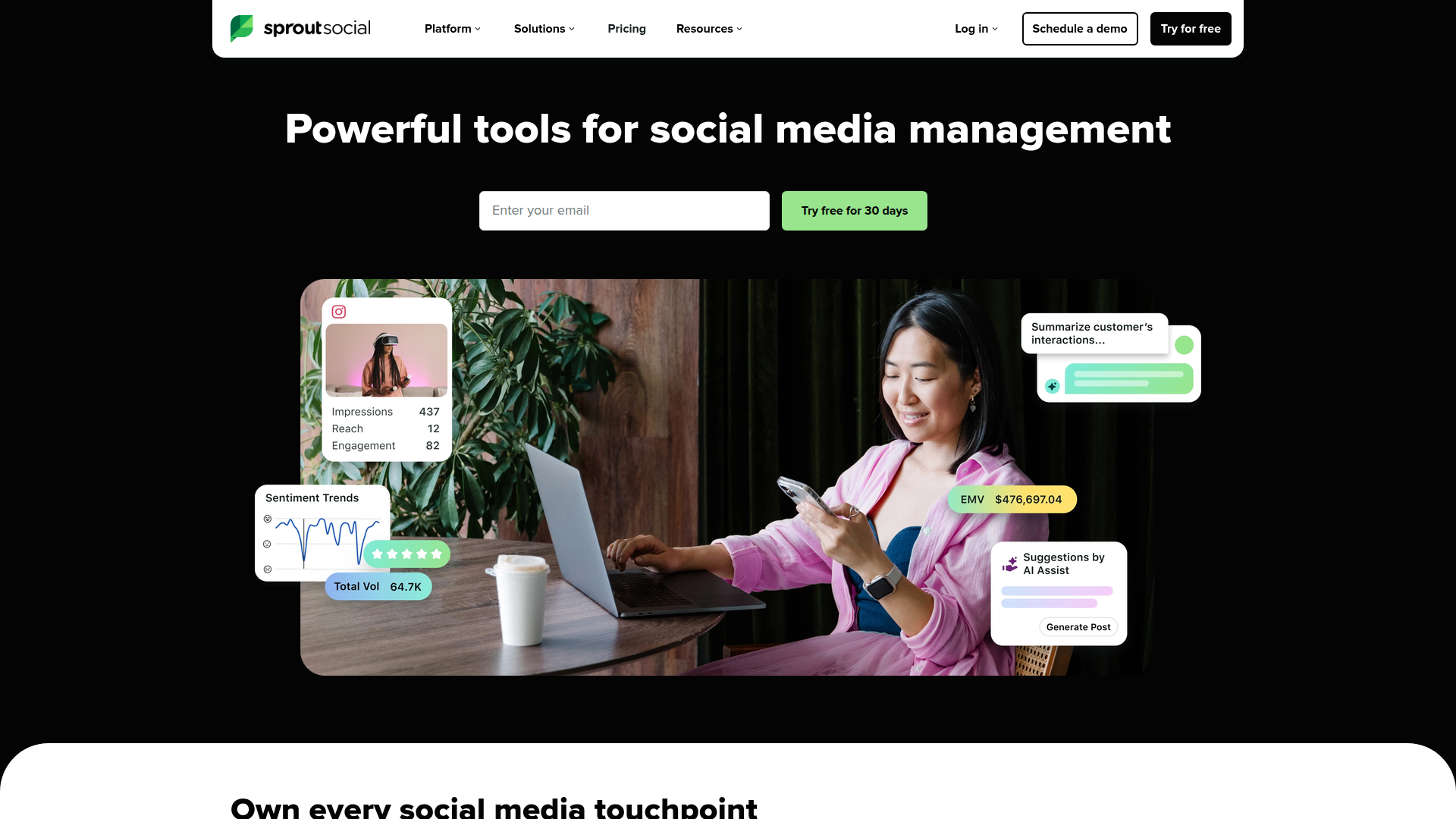
Sprout Social is built for teams that need both analytics and customer engagement features. It’s common in agencies and larger in-house teams because it supports workflows, approvals, and deeper reporting.
Analytics and reporting
Sprout’s reporting is strong for showing performance metrics across profiles and campaigns. It also supports tagging and grouping, which helps when you want content analysis by theme, product line, or region.
Social listening and sentiment
Sprout can cover social media monitoring and listening, depending on your plan. For many teams, this is the bridge between basic analytics and enterprise listening platforms.
Integrations
Sprout integrates with tools like CRMs and help desks, which matters if social is part of customer support. That connection can also help with ROI measurement when you track leads and pipeline.
Learning curve
It’s not hard to use, but it’s feature-rich. Expect some setup time for tags, report templates, and team permissions.
Mini case study
An agency managing five clients used Sprout tags to separate campaign tracking by client and by product. Their monthly reporting time dropped because the structure was built into the workflow.
For teams that need analytics plus collaboration, Sprout Social is often considered when searching for the best tool for social media analytics.
Socialbakers
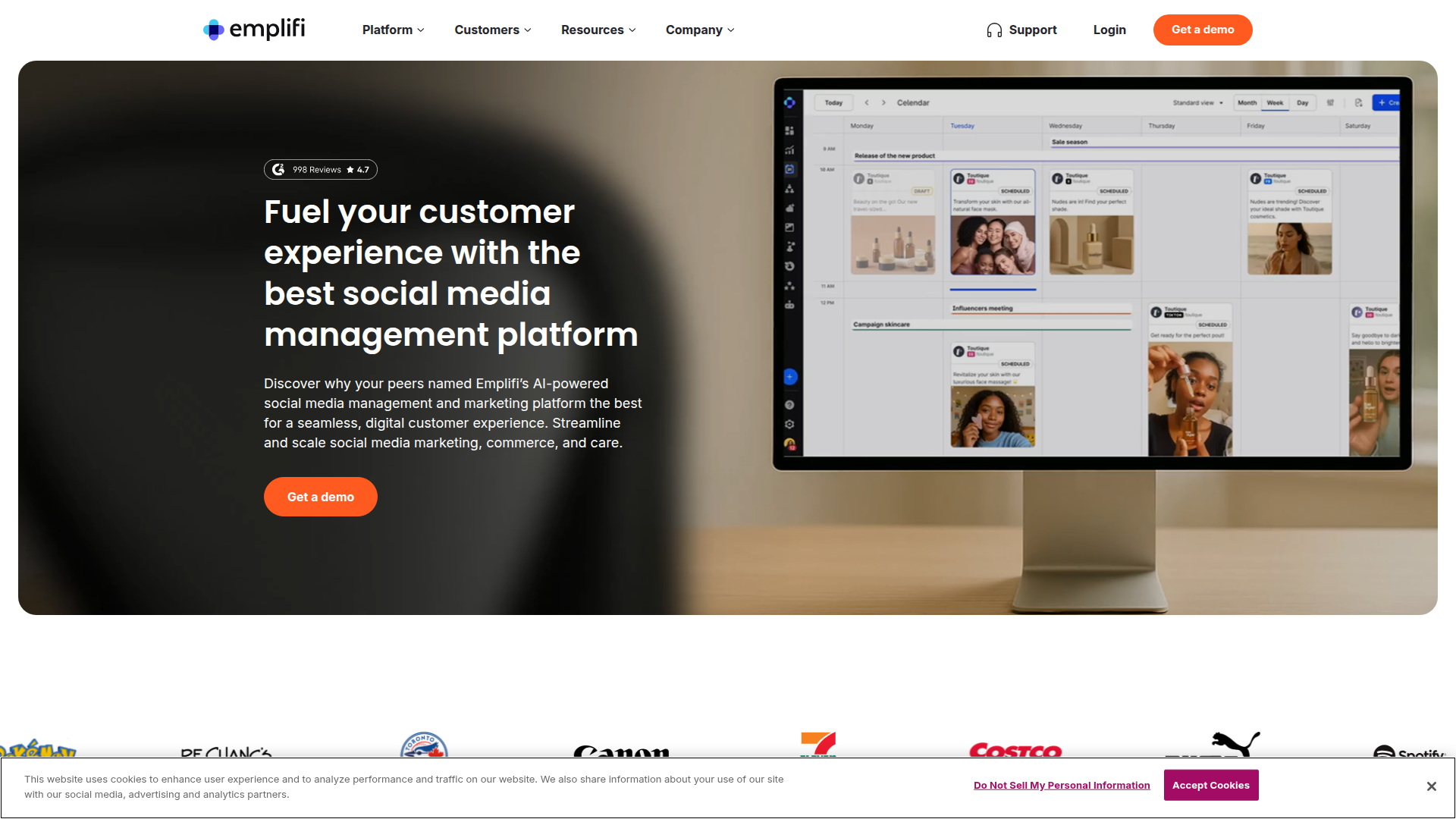
Socialbakers is known for analytics depth and benchmarking. It’s a fit for data-heavy marketing operations that want to compare performance across brands, regions, and content types.
Strengths
Socialbakers leans into competitor analysis and benchmarking. If you need to answer, “Are we behind the category?” it’s built for that.
Analytics features
Data visualization
Dashboards tend to be detailed. That’s great for analysts, but it can be a lot for a small team that just wants quick answers.
Integrations
Enterprise-focused tools often integrate with broader marketing suites and BI tools. That’s useful when you want to combine social data with sales or customer data for ROI measurement.
Mini case study
A consumer brand used Socialbakers to compare video vs. carousel performance across three markets. The data showed one market responded better to short videos, which changed their creative plan for the next quarter.
If your short list for the best tool for social media analytics includes heavy benchmarking, Socialbakers is worth a look.
Iconosquare
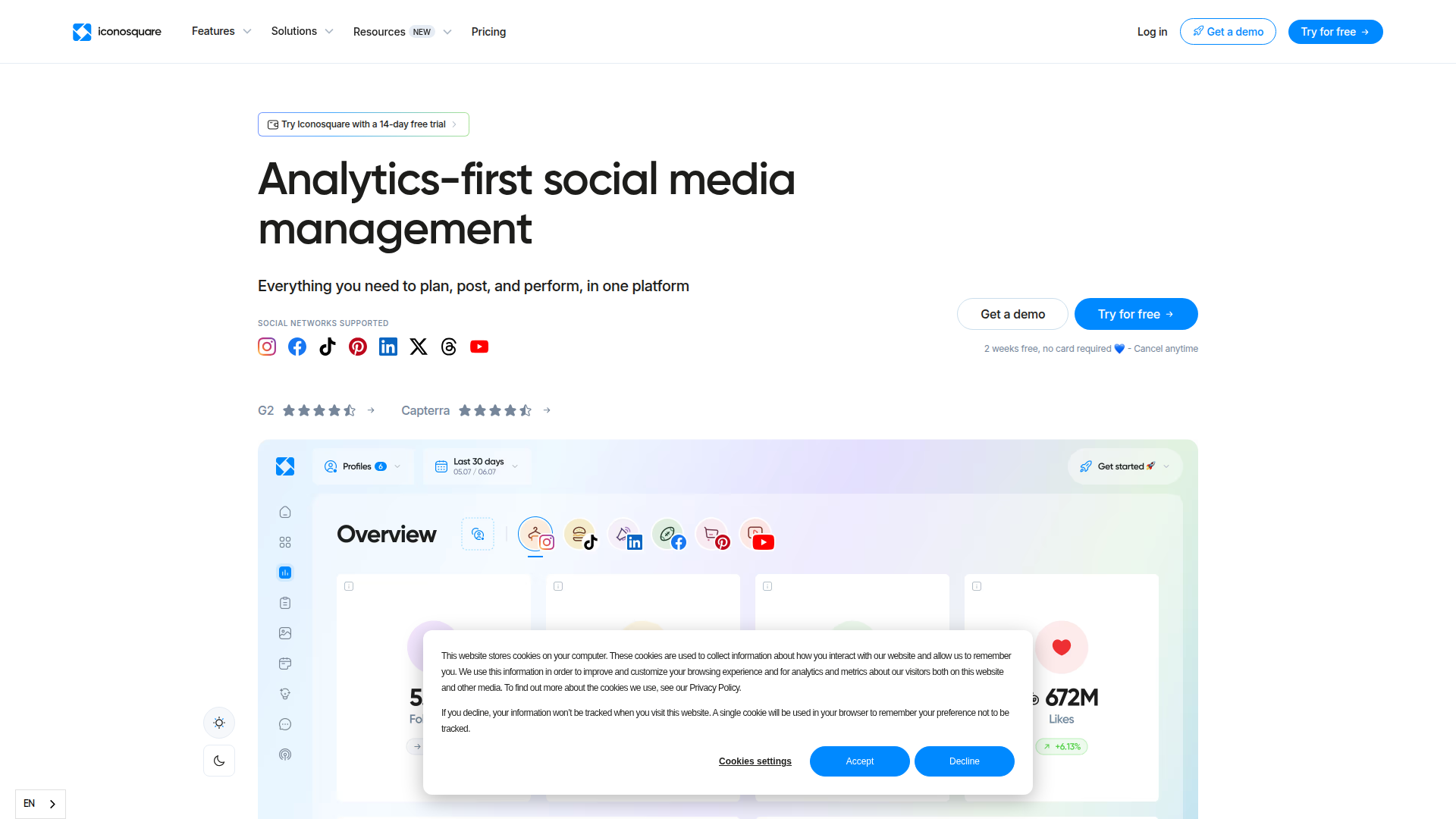
Iconosquare is a strong choice if Instagram and Facebook are your main channels. It’s focused on social media analytics and reporting, with publishing tools layered in.
What it does well
Iconosquare shines in post-level detail and audience behavior. If you care about user engagement patterns, follower growth quality, and content analysis by format, it’s built for that.
Key features
Real-time needs
For real-time analytics, Iconosquare is helpful for watching engagement early after posting. It’s less about broad social listening and more about channel performance.
Mobile app
Iconosquare’s mobile access is useful for quick checks, though many teams still prefer desktop for reporting.
Mini case study
A boutique fitness studio used Iconosquare to track which class clips drove profile visits and DMs. They doubled down on those clips and saw more trial sign-ups.
If your business lives on Instagram, Iconosquare can be a contender for the best tool for social media analytics in that specific lane.
Keyhole
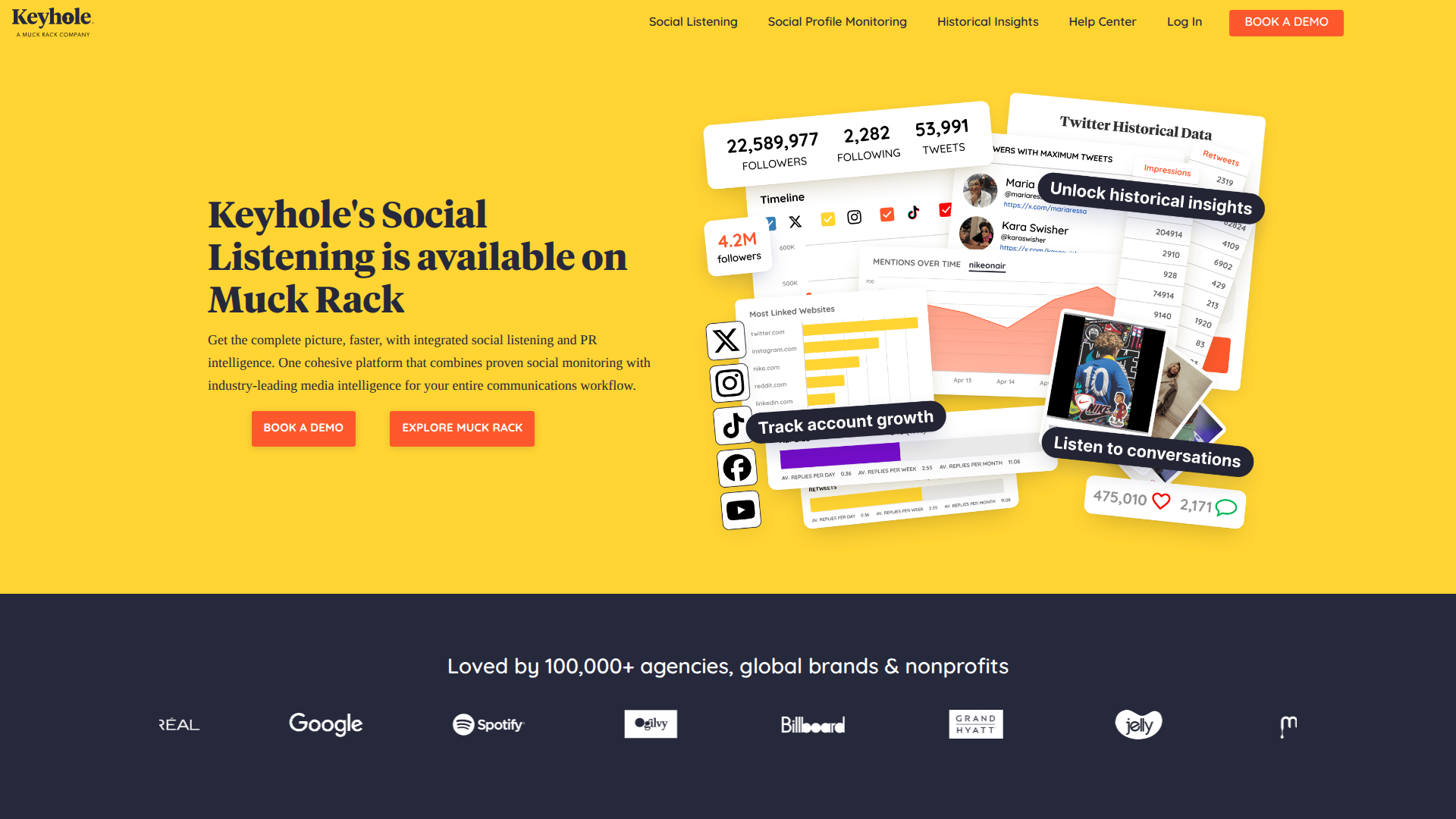
Keyhole is built around real-time tracking. It’s popular for campaigns, events, and launches where you need to watch results as they happen.
Where Keyhole stands out
Keyhole is strong for campaign tracking, hashtag monitoring, and quick reporting. If you run webinars, conferences, product drops, or influencer pushes, it can help you see momentum in near real time.
Features to know
Integrations
Keyhole often fits alongside other analytics software rather than replacing it. Teams may use it for campaign windows, then use a broader platform for month-over-month reporting.
Usability
The interface is straightforward. You set up tracking, then watch the dashboard. The main learning curve is picking the right keywords and filters so you don’t pull in noise.
Mini case study
An event marketer tracked a conference hashtag and speaker mentions in Keyhole. They spotted a session going viral and boosted it with paid spend while interest was peaking.
If real-time analytics is your main requirement, Keyhole is often evaluated as the best tool for social media analytics for campaign moments.
Brandwatch
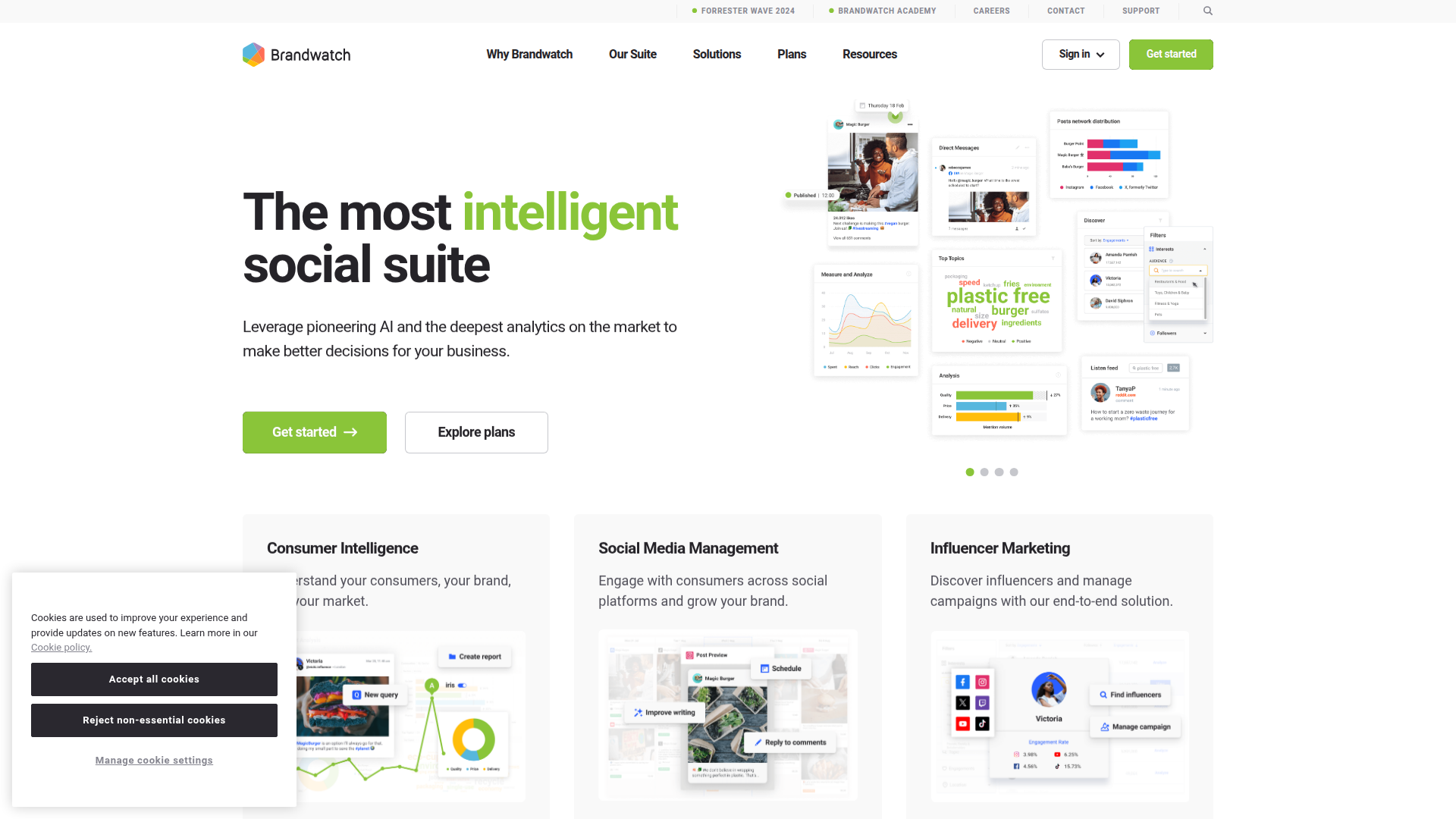
Brandwatch is a heavyweight in social listening and consumer intelligence. It’s built for big brands and agencies that need deep sentiment analysis, trend analysis, and broad data coverage.
What Brandwatch is designed for
Brandwatch goes beyond your owned accounts. It’s about understanding what people say across the web and social platforms, then turning that into marketing insights.
Key capabilities
Data visualization and reporting
Brandwatch dashboards can be very powerful, but they require setup. Many teams assign an analyst or a trained user to manage queries and reporting.
Integrations
Enterprise integrations are a big reason teams choose Brandwatch. It can connect into BI tools and broader marketing systems, which helps with ROI measurement and executive reporting.
Mini case study
A global food brand used Brandwatch to detect a sudden spike in negative sentiment tied to a packaging change. They adjusted messaging and support scripts within days.
If your definition of the best tool for social media analytics includes deep social listening, Brandwatch is in that conversation.
Google Analytics
Google Analytics isn’t a social platform, but it’s still one of the most useful tools for measuring what social actually drives. If you care about ROI measurement, it’s hard to ignore.
What it helps you measure
Google Analytics shows what happens after the click. That means you can connect social posts and campaigns to site behavior, sign-ups, purchases, and lead forms.
Social reporting use cases
Integrations
It integrates naturally with Google Ads and other Google tools. It also works with many dashboards and data visualization tools.
Limits to understand
Google Analytics won’t replace social media monitoring or sentiment analysis. It also won’t show in-platform engagement like saves or shares. It’s a companion tool.
Mini case study
A SaaS startup thought Instagram was their strongest channel because engagement looked high. Google Analytics showed LinkedIn drove more demo requests. They shifted effort and improved lead volume.
If you’re building a stack, Google Analytics can support the best tool for social media analytics by proving business impact.
Talkwalker
Talkwalker is another enterprise-grade platform focused on social listening, media monitoring, and global brand tracking. It’s often used by teams that need international coverage and multilingual insights.
What Talkwalker is good at
Talkwalker helps you track brand awareness and sentiment across markets. It’s useful when you need to understand how a campaign lands in different regions, or when you manage reputation across languages.
Core features
Real-time monitoring
Talkwalker can be used for real-time analytics during crises or major announcements. Alerts and dashboards help teams respond quickly.
Integrations
Like Brandwatch, Talkwalker is often connected to BI tools and internal reporting systems. That matters when leadership wants one view of marketing insights.
Usability
Expect a learning curve. The power comes from building the right queries, filters, and dashboards.
Mini case study
A travel brand used Talkwalker to compare sentiment by region during a policy change. They found one market needed clearer messaging and updated their social responses.
For global listening needs, Talkwalker is often shortlisted as the best tool for social media analytics in enterprise settings.
Comparison Summary

Choosing the best tool for social media analytics depends on whether you need publishing, listening, ROI measurement, or real-time campaign tracking. Many teams end up with two tools, one for in-platform performance and one for business outcomes.
Quick comparison table
How to decide in 10 minutes
A practical stack many teams use
A common setup is Rankpeak for day-to-day social performance and reporting, plus Google Analytics for ROI measurement. If you need heavier social listening, you can add Brandwatch or Talkwalker later.
If you’re still stuck, pick the best tool for social media analytics based on the decisions you make most often. The right choice is the one that changes your next week of content, not just your charts.