How to check backlinks google analytics (Guide)
Introduction to Backlinks

If you’re trying to check backlinks google analytics, it helps to start with what backlinks actually are and what they can (and can’t) tell you inside web analytics. Backlinks are links from other websites pointing to your site. In SEO, they’re often treated as “votes” that can influence search engine ranking, but the real value is more nuanced: backlinks can drive referral sources, shape user behavior, and affect site performance through the quality of traffic they send.
What backlinks do for SEO (and what they don’t)
Backlinks contribute to your backlink profile—the overall set of sites linking to you, the pages they link to, and the context around those links. Search engines use link analysis to infer authority and relevance. But backlinks aren’t a magic switch: on-page factors (content quality, internal linking, technical SEO) and user signals also matter.
When you check backlinks google analytics, you’re not seeing a full backlink index (Google Analytics is not a link crawler). Instead, you’re seeing traffic that arrives via links—primarily in referral sources. That distinction matters:
Why backlinks matter for user experience
Competitors often talk about backlinks only as SEO metrics, but backlinks can directly affect user experience:
Long-term backlink strategy (beyond “get more links”)
A sustainable approach is to treat backlinks as a portfolio:
1. Protect: Monitor for spammy links and sudden spikes.
2. Grow: Earn links by publishing useful resources and data.
3. Optimize: Improve landing pages that receive referral traffic.
4. Localize: Build location-based citations and partnerships if you serve specific regions.
To check backlinks google analytics effectively, you’ll combine referral traffic analysis, landing page performance, and conversion tracking—then supplement with dedicated backlink tools for a complete view.
Using Google Analytics to Track Backlinks
To check backlinks google analytics, you’ll mainly use referral and traffic sources reporting. The goal isn’t just to list linking domains—it’s to understand which links actually send qualified website traffic and how that traffic behaves.
What “backlinks” look like in Google Analytics
When you check backlinks google analytics, you’re typically looking at:
Because Google Analytics is a web analytics platform, it measures visits, not the entire backlink profile. That’s why many teams pair Google Analytics with Search Console and a backlink crawler.
Step-by-step: GA4 workflow to check referral links
Use this workflow to check backlinks google analytics in GA4:
1. Open GA4 → Reports → Acquisition → Traffic acquisition
2. Set the primary dimension to Session source / medium
3. Filter medium to referral
4. Sort by Sessions, then review Engaged sessions, Engagement rate, and Conversions
5. Click a source (e.g., example.com) to drill down
6. Add a secondary dimension like Landing page + query string to see which pages benefit
What to look for (practical interpretation)
When you check backlinks google analytics, don’t stop at sessions:
Step-by-step: Universal Analytics (legacy) workflow
If you’re on older properties, to check backlinks google analytics in UA:
1. Acquisition → All Traffic → Referrals
2. Click a referring domain
3. Review Referral Path and Landing Page
4. Compare behavior metrics and goal completions
Add Search Console for stronger context
A common gap when you check backlinks google analytics is confusing “referral links” with “SEO links.” Connect Google Search Console:
Visual guide (text-based infographic)
Use this quick map to check backlinks google analytics consistently:
Backlink exists on web
|
| (may or may not send clicks)
v
Referral click happens
|
v
GA4 records session (source=referral)
|
+--> Landing page performance
|
+--> User behavior (engagement)
|
+--> Conversion tracking outcomes
Case study: turning referral traffic into conversions
A local service business noticed a spike when they check backlinks google analytics: a regional news site linked to a “pricing” page. Sessions were high but conversions were low. They:
Result: engagement improved and conversion rate increased, even though the backlink itself didn’t change. This is why check backlinks google analytics should always include user experience and site performance review.
Emerging trends to watch
When you check backlinks google analytics in 2026 and beyond, expect:
If you want to check backlinks google analytics at scale, you’ll likely need a workflow that combines GA4, Search Console, and a dedicated backlink analysis tool.
Rankpeak: Backlink Analysis
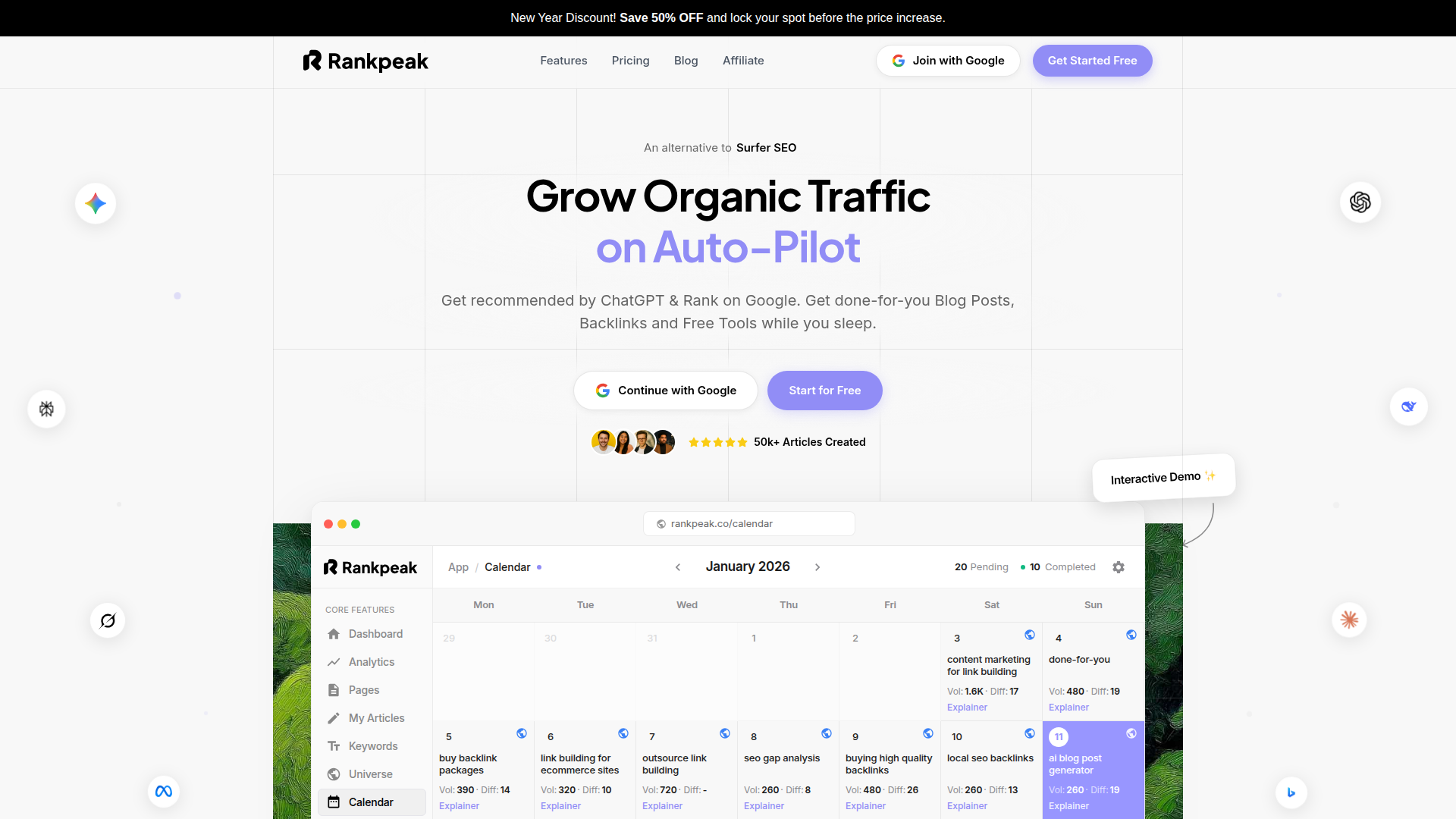
If your day-to-day goal is to check backlinks google analytics and turn that information into decisions (what to fix, what to replicate, what to ignore), the hardest part is usually workflow—not theory. Small business owners and lean marketing teams often bounce between GA4 reports, spreadsheets, and separate SEO tools, then lose time reconciling “links that exist” with “links that actually drive traffic.” Rankpeak is useful here because it’s built around practical link analysis and prioritization rather than just dumping a backlink profile.
How Rankpeak streamlines “check backlinks google analytics” work
A common pain point when you check backlinks google analytics is that referral traffic is easy to find, but hard to interpret quickly:
Rankpeak helps by organizing backlink-related insights into a workflow that mirrors how teams actually operate: identify meaningful links, connect them to website traffic and conversion tracking, then decide what action to take.
Practical walkthrough (a realistic weekly routine)
Here’s a simple routine many teams follow to check backlinks google analytics and keep momentum:
1. Start with referral sources: In Rankpeak, review referring domains that are actively sending traffic (the “real-world” subset of backlinks).
2. Inspect landing pages: See which pages those referrals hit, then compare engagement and site performance signals.
3. Segment by intent: Separate editorial links (articles/resources) from directory/citation links and partner links. This matters for long-term backlink strategy.
4. Flag quality vs. noise: Mark suspicious domains for review so they don’t distract from quality backlinks.
5. Create a short action list: Update the landing page, build a related resource, or reach out to strengthen a partnership.
This approach complements how you check backlinks google analytics in GA4: GA4 tells you what happened; Rankpeak helps you decide what to do next.
Time and effort considerations
If you’re manually trying to check backlinks google analytics and then cross-reference with other tools, it’s easy to spend hours per week. Rankpeak’s value is reducing that overhead by keeping backlink analysis, traffic sources context, and prioritization in one place. For a small team, that often means:
Expected outcomes (what “good” looks like)
Used consistently, Rankpeak supports outcomes that matter beyond vanity SEO metrics:
If you want a cleaner workflow to check backlinks google analytics and connect links to business outcomes, set aside 30 minutes this week to map your top referral sources, then replicate the process inside Rankpeak and compare how quickly you reach an action plan. Try Rankpeak with your current GA4 referral data and build a simple monthly backlink review checklist you can actually maintain.
Rankpeak Features
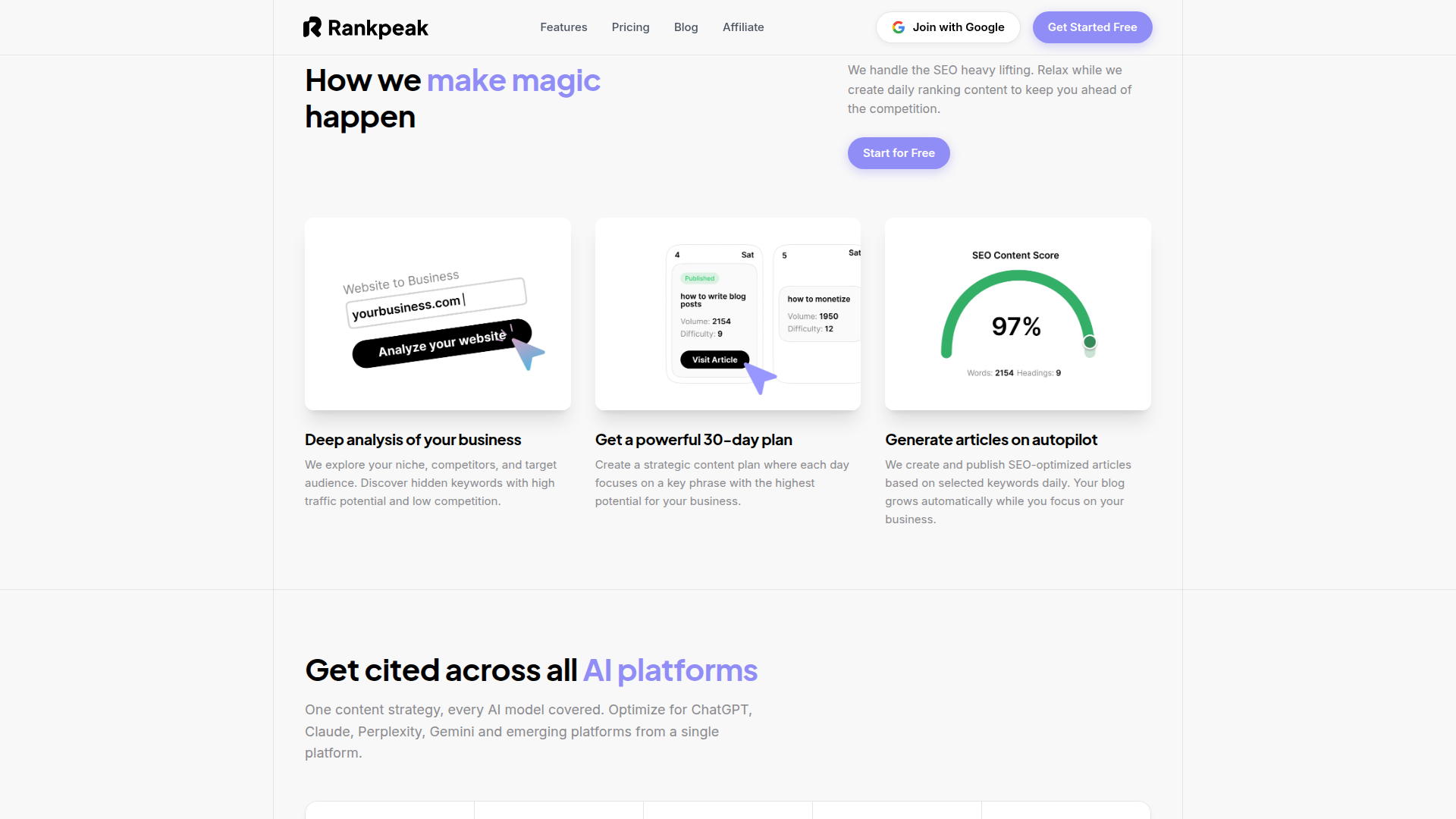
Teams using Rankpeak to check backlinks google analytics typically care about features that reduce analysis time and improve decision quality. Key capabilities to look for in this kind of workflow include:
When you check backlinks google analytics, these features matter because they keep the focus on outcomes: engagement, conversions, and sustainable link building—rather than raw counts.
Ahrefs: Backlink Analysis
If you frequently check backlinks google analytics but also need a deep backlink index for competitive research, Ahrefs is often used by agencies and experienced SEO practitioners because it’s built for large-scale backlink profile exploration.
Where Ahrefs fits with Google Analytics
A practical way to check backlinks google analytics and use Ahrefs together is:
Long-term strategy use case
For long-term backlink strategy, Ahrefs is helpful for:
Even if you check backlinks google analytics weekly, a monthly Ahrefs review can reveal gaps GA can’t show (links with zero clicks, no-referrer traffic, or links blocked by privacy settings).
Ahrefs Features
When you check backlinks google analytics and then validate in Ahrefs, these features are commonly used:
This complements check backlinks google analytics by adding the “links that exist” layer to the “links that send traffic” layer.
SEMrush: Backlink Analysis
Marketing teams that check backlinks google analytics as part of a broader growth program often use SEMrush because it combines backlink analytics with keyword research, site audits, and competitive insights.
How SEMrush complements GA4 referral reporting
When you check backlinks google analytics, you learn which referral sources are driving traffic sources performance. SEMrush can add:
Comparison with other SEO metrics
A useful habit is to compare backlink changes to on-page and technical changes:
This is the kind of cross-metric thinking you should apply every time you check backlinks google analytics.
SEMrush Features
Common SEMrush features used alongside check backlinks google analytics include:
Used well, SEMrush helps you connect what you see when you check backlinks google analytics to broader SEO metrics and execution.
Moz Pro: Backlink Analysis
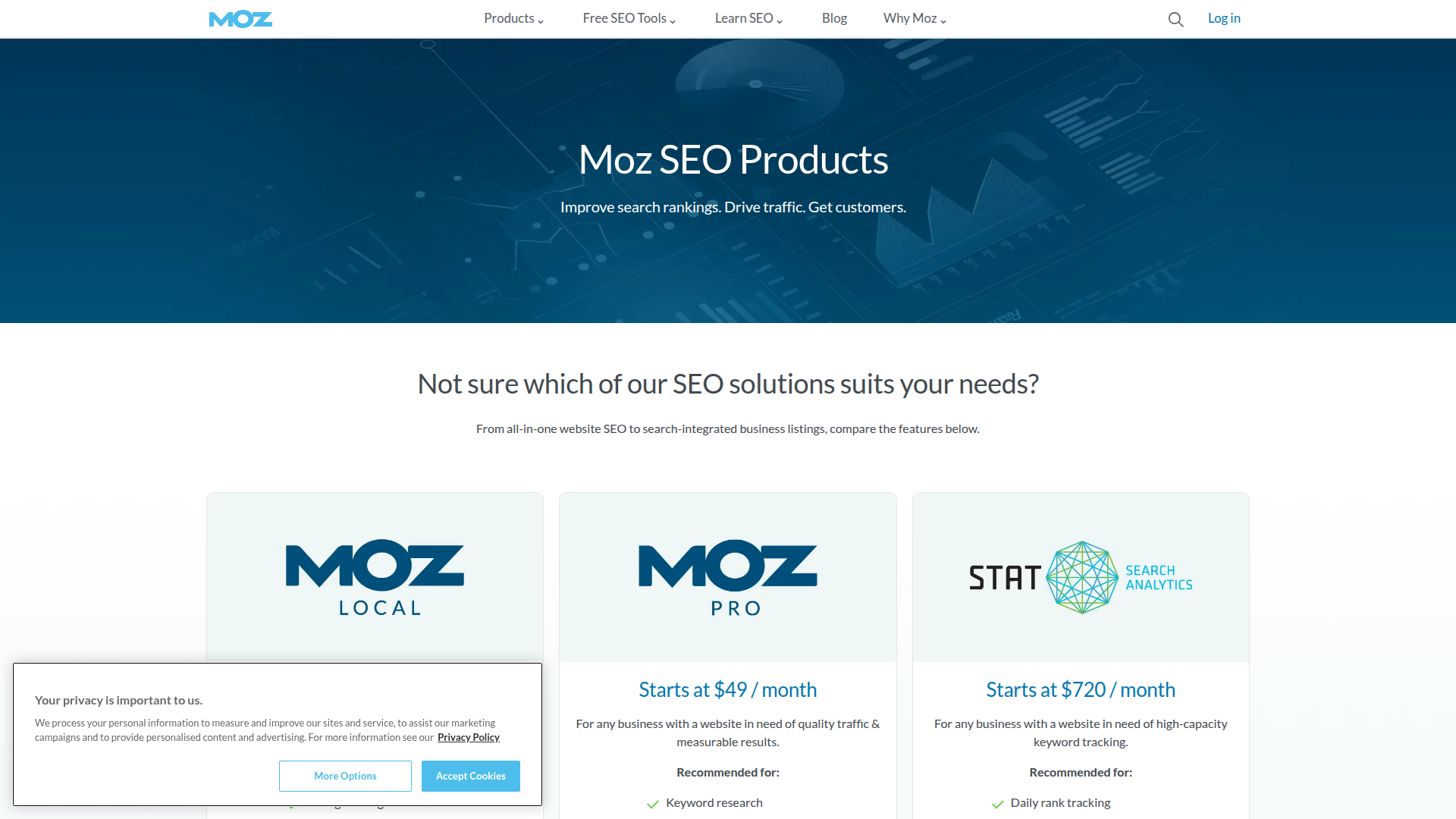
Moz Pro is often chosen by small to medium businesses that want a structured SEO toolkit without the steepest learning curve. If you check backlinks google analytics and want a second opinion on link quality and domain-level strength, Moz’s metrics and reporting can be a practical complement.
UX and conversion angle
A good workflow is to check backlinks google analytics for referral sources that send engaged traffic, then use Moz to understand whether those links are part of a broader authority pattern (e.g., multiple relevant sites in your niche linking over time). That helps you decide whether to invest in content upgrades, partnerships, or localized link building.
Localization of backlink strategies
For location-based businesses, combine:
Then check backlinks google analytics to confirm those links send real traffic and not just “SEO value.”
Moz Pro Features
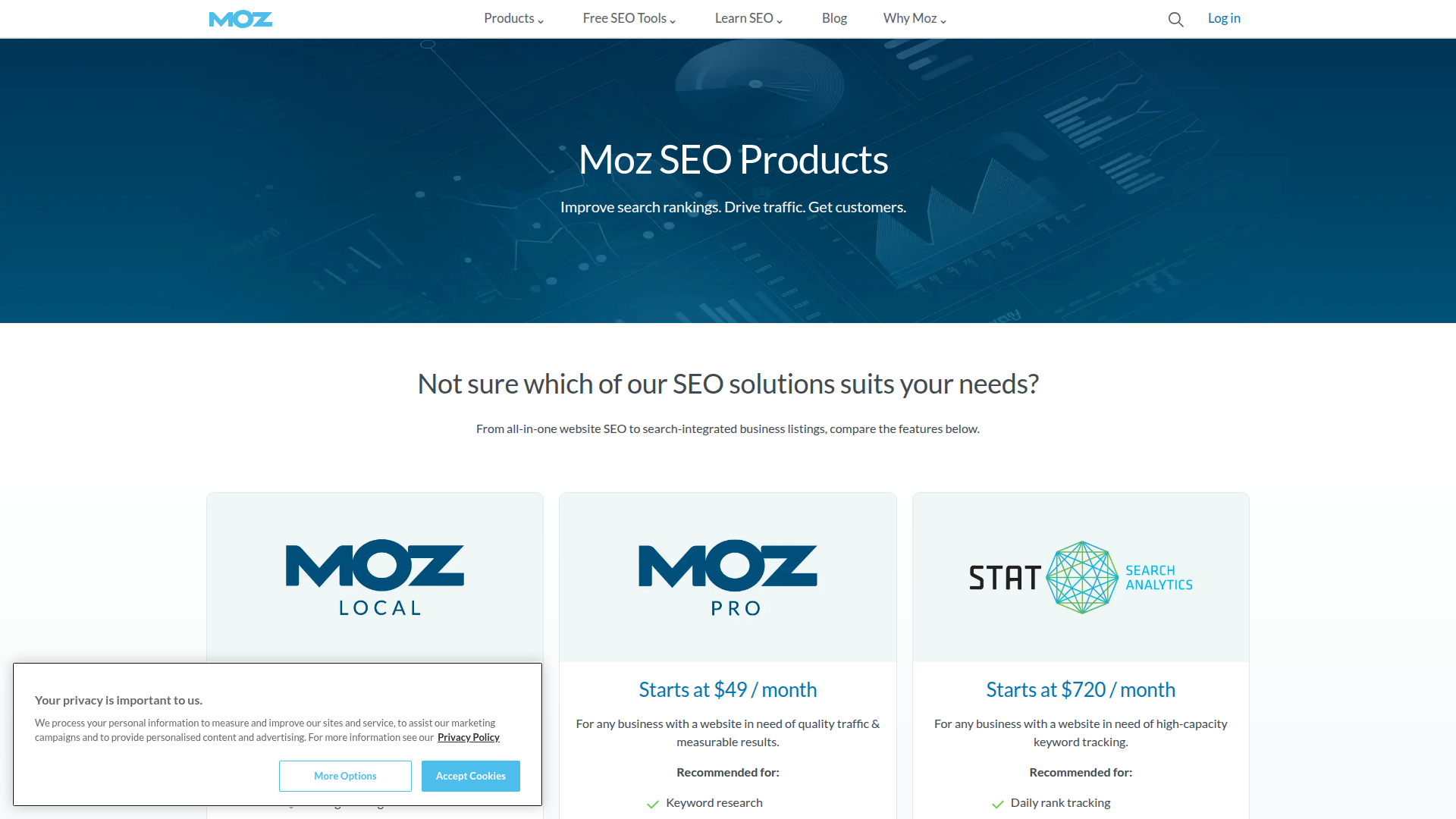
Moz Pro features commonly used after you check backlinks google analytics include:
The practical benefit is using Moz to add context to what you see when you check backlinks google analytics—especially for teams that want clear reporting.
Majestic: Backlink Analysis
Majestic is often used by specialists who want deep link intelligence and proprietary metrics. If you check backlinks google analytics and then need to understand link neighborhoods, topical relevance, and historical link patterns, Majestic can provide a different lens than generalist suites.
When Majestic is especially useful
Because Majestic is link-centric, it’s usually paired with GA4 for website traffic and conversion tracking context.
Majestic Features
Majestic features that complement check backlinks google analytics include:
Use GA4 to check backlinks google analytics for actual referral performance, then use Majestic to understand the broader link graph behind those referrals.
Ubersuggest: Backlink Analysis
Ubersuggest is often used by individuals and small businesses new to SEO who want approachable reporting. If you check backlinks google analytics and want a simpler way to explore backlinks and basic competitive insights, Ubersuggest can fill that gap without requiring an agency-style workflow.
A simple beginner workflow
1. check backlinks google analytics to find your top referral sources.
2. Use Ubersuggest to see the linking pages and anchor text.
3. Improve the landing page experience for those referrals.
4. Create one related piece of content designed to earn similar links.
This keeps the focus on quality backlinks that produce measurable website traffic.
Ubersuggest Features
Ubersuggest features commonly used alongside check backlinks google analytics include:
It’s a straightforward companion when you check backlinks google analytics and want quick next steps.
Serpstat: Backlink Analysis
Serpstat is often considered by teams that want a budget-friendly all-in-one SEO platform. If you check backlinks google analytics regularly but also need rank tracking and competitor research without paying for multiple tools, Serpstat can be a practical consolidation.
How to use Serpstat with GA4
Emerging trend: measuring link value by outcomes
More teams are moving away from “count links” and toward “measure outcomes.” The habit to build is:
This is where combining web analytics with backlink tools becomes a long-term advantage.
Serpstat Features
Serpstat features that pair well with check backlinks google analytics include:
If you already check backlinks google analytics for referral performance, Serpstat can add the broader SEO toolkit layer without changing your core measurement approach.