Resource Link Building: A Practical SEO Guide
What is Resource Link Building?
Resource link building is a way to earn backlinks by getting your content added to curated “resources” pages. These pages are usually lists of helpful links for a topic, like a library guide, a nonprofit toolkit, or a “useful links” page for an industry.
The idea is simple. You create something that genuinely helps the audience, then you ask the page owner to include it. When it works, you get a relevant link from a page that already exists to help people find good information.
Unlike some backlink strategies that rely on news cycles or big campaigns, this approach can be steady. Resource pages often stay live for years. That means the links can keep sending referral traffic and authority over time.
It’s also a good fit for educational link building. Schools, community sites, and professional associations often maintain resource lists. They won’t link to fluff, but they will link to clear, useful content that supports their mission.
One quick note: not every “resources” page is worth chasing. Some are outdated, spammy, or built only to sell links. You’ll learn how to spot the good ones, and skip the rest.
Why Does Resource Link Building Work So Well?
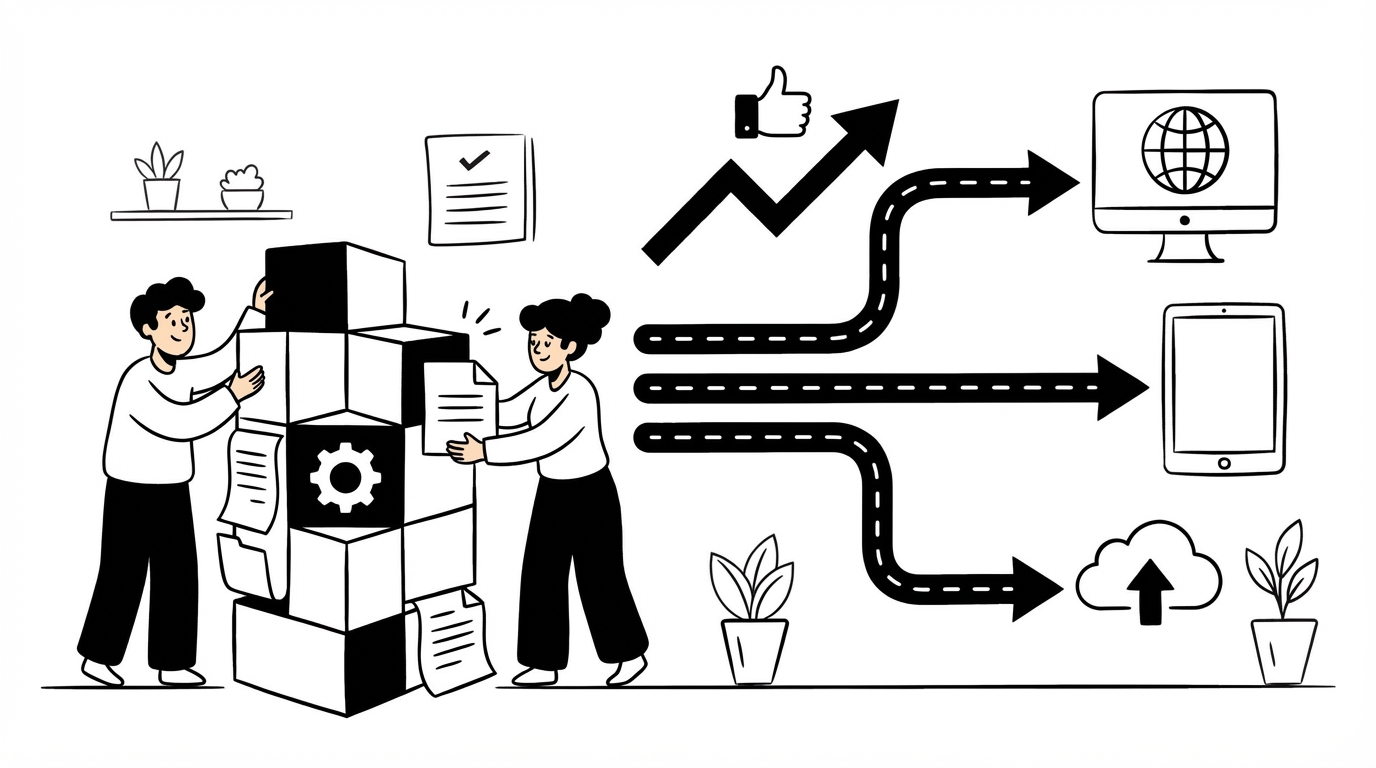
Resource pages exist for one reason: to help visitors. That makes them a natural place for link acquisition, as long as your page truly adds value.
It works well because you’re not asking for a favor “just because.” You’re offering an improvement to their page. If your content fills a gap, updates an old recommendation, or explains something better, the editor has a reason to say yes.
Another reason is intent. People who browse resource lists are often researching and ready to act. If your link solves a problem, you can get referral traffic that converts, not just a backlink that looks nice in a report.
From an SEO best practices angle, these links tend to be relevant and context-driven. They’re usually surrounded by related links and topic text. That’s healthier than random sidebar links or low-quality directories.
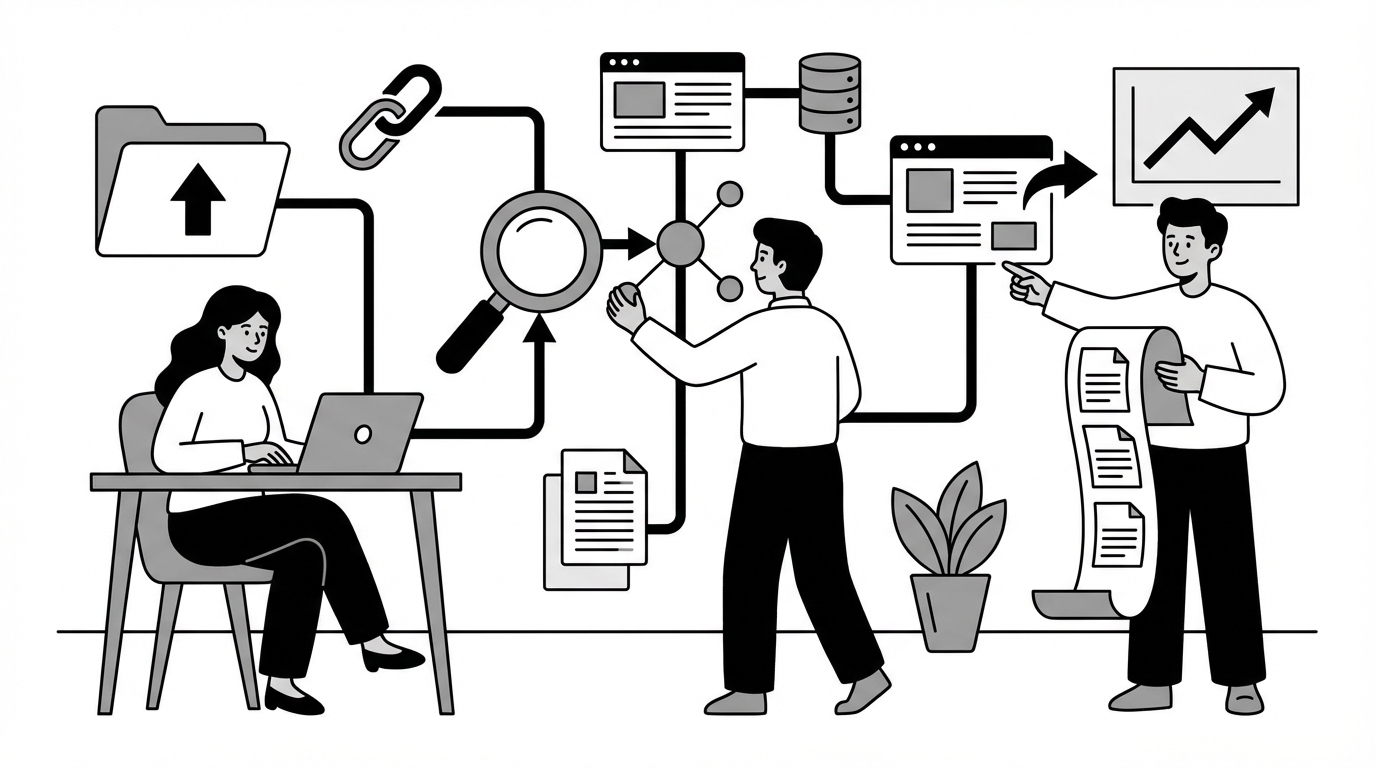
Finally, it scales in a calm way. You can build a repeatable process: find pages, qualify them, match them to content, send outreach, follow up, and track results. Over time, you build website authority without needing constant “viral” content.
How to Find High-Quality Resource Pages

Finding good targets is half the job. You want niche resource pages that are maintained, relevant, and not stuffed with junk.
Start with search operators. Use queries like:
Swap “keyword” for your topic, problem, or audience. If you serve local markets, add a city or region.
Next, look for “hub” pages that link out a lot. Think associations, libraries, training programs, and community organizations. These sites often have a page meant to be updated.
You can also reverse-engineer competitors. Find who links to similar guides, then check if those linking pages are resource lists. This is a clean way to discover editors who already link to content like yours.
Don’t ignore internal niches. If you’re in a specialized industry, search for subtopics, not just the main term. For example, “warehouse safety checklist resources” will often surface better pages than “safety resources.”
As you collect targets, keep notes. Record the page URL, the site name, the topic, and why your content fits. That makes outreach faster and more personal later.
Vetting Potential Resource Pages

Not every resource page is a good fit. Some look fine at first, then you notice they link to casinos, payday loans, and random coupons. Skip those.
Here’s a practical checklist you can use before outreach:
Then look at the page structure. A good resource list usually has categories, short descriptions, and a clear purpose. A bad one is often just a wall of links.
Also check for broken links. If the page has many dead links, the owner may not maintain it. That can mean your link won’t last. On the other hand, a few broken links can be an opening. You can point out the issue and suggest your content as a replacement.
Finally, think about fit. If your content is beginner-level, don’t pitch it to a page that only lists academic papers. If your content is technical, don’t pitch it to a general “for kids” resource list.
This step saves time. It also improves your success rate, because you’ll contact people who actually care about their page.
Creating Link-Worthy Content
Resource pages link to content that earns its spot. That means your page should be useful even if nobody links to it.
A strong “resource-worthy” piece usually does at least one of these things:
If you want to win at resource link building, build content with a clear audience and a clear job. Ask: “What problem does this page solve in 5 minutes?”
Content formats that work on resource pages
Resource editors like content that’s easy to recommend. These formats tend to do well:
Add “editor-friendly” details
Small touches make your content easier to add:
Real-world examples (mini case studies)
Case studies are where many guides get lazy, so here are a few realistic patterns you can copy.
Healthcare niche resource: A clinic published a “Questions to Ask Your Provider” printable. Patient advocacy sites linked to it since it supported informed decisions.
None of these needed viral traffic. They needed clarity, usefulness, and a good match to the resource page’s audience.
Advanced angle: build “gap-filler” content
A smart move is to review a target resource page and look for missing sections. If they list “beginner guides” but no “checklists,” create the checklist. If they list “tools” but no “templates,” create the template. You’re not guessing. You’re filling a visible gap.
Crafting Effective Outreach Emails
Outreach is where most link building campaigns fall apart. The fix is usually simple: be specific, be polite, and make it easy to say yes.
A good email for SEO outreach has three parts:
A simple outreach template
Use this as a starting point and rewrite it in your own voice:
Hi [Name],
I was reading your resource page on [topic] here: [URL]. The section on [specific section] was especially helpful.
I put together a [type of resource] on [topic] that covers [1-2 specific points]. If you’re updating the page, it might be a useful addition for your readers: [Your URL].
If it’s a fit, feel free to add it wherever you think it belongs. Either way, thanks for keeping the list up to date.
Best,
[Your name]
Make your pitch match the page
Resource pages aren’t all the same. Adjust your angle:
Outreach strategies beyond the basics
If you want more options than “cold email and hope,” try these:
Common outreach mistakes to avoid
A few things kill replies fast:
Keep it human. If you wouldn’t respond to your own email, rewrite it.
Following Up and Tracking Results
Most links you earn will come after a follow-up. People are busy, and your first email often gets buried.
A follow-up schedule that doesn’t annoy people
Here’s a simple cadence that works for many industries:
Your follow-up should be shorter than the first message. Keep it polite and easy to ignore.
Example follow-up:
Hi [Name], just bumping this in case it got lost. If you’re updating the resource list, here’s the link again: [URL]. Thanks either way.
Track what matters (not just links)
Yes, backlinks are the goal, but tracking only “links won” hides what’s really happening. Track these too:
Keep a clean campaign log
A simple spreadsheet works fine. Include:
Measure link quality in a practical way
You don’t need to overthink metrics. Ask:
If the answer is mostly yes, it’s probably a solid win for authority building.
Build a feedback loop
After each batch of outreach, review results. Which subject lines got replies? Which content formats earned links? Which niches responded faster? Use that to shape your next round.
That’s how you turn a one-off effort into a repeatable system.
Troubleshooting Common Issues
Even good campaigns hit snags. Here are common problems and how to fix them without getting weird about it.
“Nobody replies to my emails”
This is usually a targeting or message problem.
“They replied, but didn’t add the link”
Sometimes they need a nudge, sometimes they need proof.
“They want money to add the link”
Be careful. Paying for links can violate search engine guidelines.
“My content is good, but it’s not getting picked”
This often means your content isn’t the best fit for that specific list.
“I’m in a boring niche”
Boring niches are often easier, because editors struggle to find good resources.
“I’m worried about overdoing it”
That’s a healthy worry. Keep it clean:
If you focus on usefulness and fit, your link acquisition will look natural because it is natural.
Key Takeaways
Resource link building works because it matches how the web is supposed to work. People curate helpful pages, and you contribute something worth sharing.
If you want consistent results, focus on the basics done well:
The biggest edge is not a trick. It’s doing the unglamorous work: matching the right content to the right curator, then showing up politely.
If you keep your content fresh and your outreach respectful, you’ll build links that last and support long-term website authority.
Try Rankpeak for Enhanced Link Building Results
If you want a simpler way to stay organized while you run outreach, try Rankpeak. It can help you keep your targets, notes, and progress in one place, so you don’t lose track of who you contacted and what happened next. That matters when you’re juggling follow-ups, testing new angles, and building a repeatable process over time. If you’re serious about improving your link building campaigns, it’s worth giving Rankpeak a try and seeing if it fits your workflow.