Free competitor analysis tools: a practical guide
What are Free Competitor Analysis Tools?
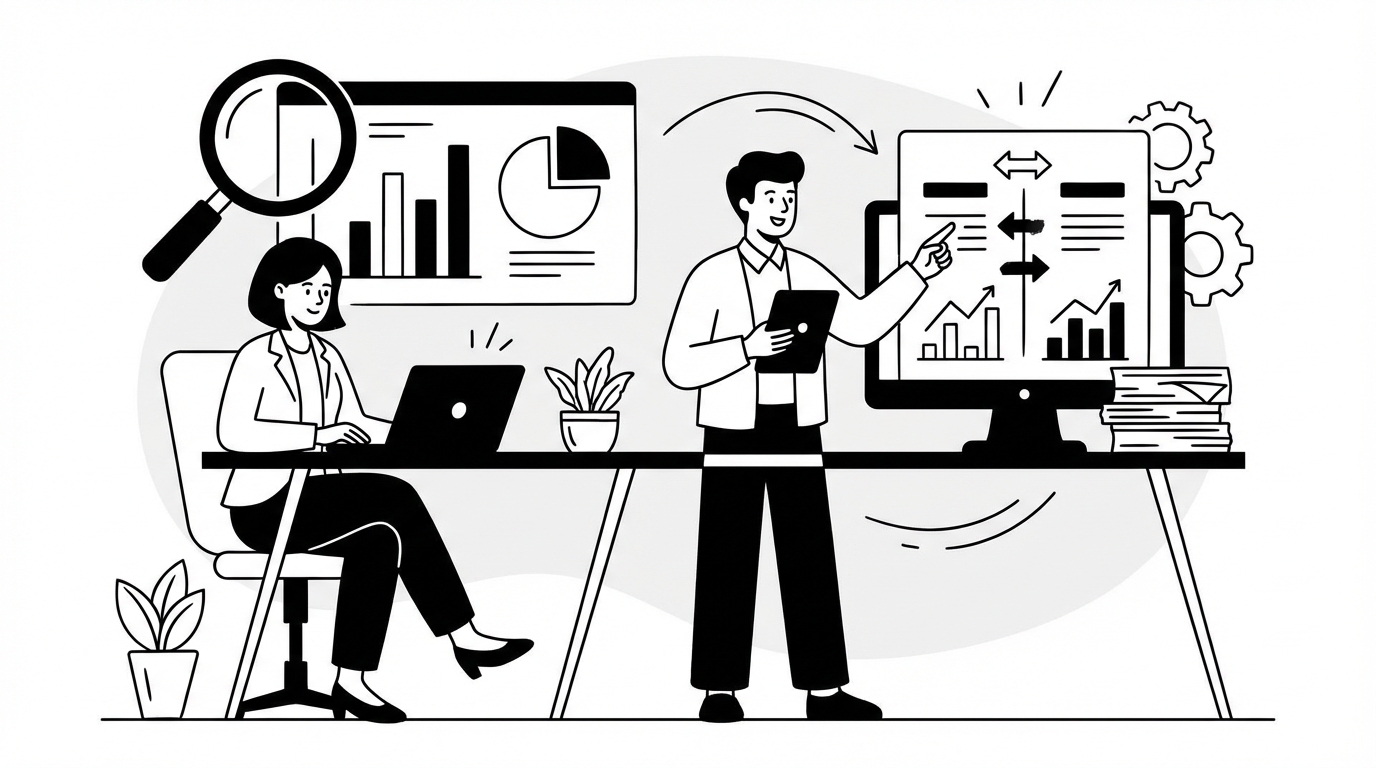
Free competitor analysis tools are websites, browser add-ons, and built-in platform reports that help you understand what other businesses are doing online. They’re used for competitor evaluation across SEO, PPC analysis, content, social, and even pricing signals. You don’t need a big budget to start. You just need a clear question and a way to capture what you find.
Most people think of these tools as “spy gear.” In reality, they’re more like a flashlight. They shine light on the competitive landscape so you can make better choices about keyword research, content topics, ad testing, and where to spend time.
What “competitor analysis” means in plain English
Competitor analysis is the habit of answering three simple questions:
Free competitor analysis tools help with the first two questions. The third one is on you.
What counts as “free”
“Free” can mean a few things:
If you’re building a repeatable workflow, focus on options that stay free long-term, plus a few “trial sprints” when you need deeper data.
What these tools can usually show
Even without paying, you can often get solid online marketing intelligence like:
The key is to treat the data as “clues,” not courtroom evidence.
A quick beginner checklist before you start
If you’re new, do this first. It keeps you from drowning in tabs.
Once you have that, free competitor analysis tools become much easier to use.
Why Free Competitor Analysis Tools Matter

Free competitor analysis tools matter because they reduce guesswork. They help you see patterns in what’s already working, then adapt it to your brand. That’s useful whether you’re doing search engine optimization, running PPC analysis, or planning content.
They also keep you honest. It’s easy to think your site is “pretty good” until you compare it to the pages that actually win clicks.
They help you find demand faster
When you look at competitors, you’re looking at proof of demand. If several rivals publish pages around the same topic, that topic likely brings traffic or leads. That’s a shortcut for market research tools and content planning.
Instead of brainstorming forever, you can ask:
What topics do they repeat?
What questions do they answer?
They reveal gaps you can actually fill
Competitor evaluation isn’t about copying. It’s about spotting gaps.
Common gaps include:
If you can fill a gap with a clearer page and better UX, you can compete even with smaller budgets.
They improve your messaging, not just your rankings
Digital marketing analytics isn’t only about traffic. It’s also about what people believe after they land.
By reviewing competitor pages and ads, you can learn:
Then you can write your own message with more clarity.
They make PPC less expensive over time
In paid search and social ads, the fastest way to waste money is to test random ideas. PPC analysis using free sources (like ad libraries and auction insights) helps you see what angles competitors keep running. If an ad stays live for weeks, it often means it’s working.
You still need to test, but you start with smarter guesses.
They’re a safety net for small teams
If you’re a solo marketer, free competitor analysis tools can act like a second brain. They help you prioritize. You can stop chasing “nice-to-have” tasks and focus on what moves the needle.
A simple rule: if you can’t explain how a task helps you beat a competitor on one page, one keyword cluster, or one offer, it’s probably not urgent.
How Competitor Analysis Tools Work
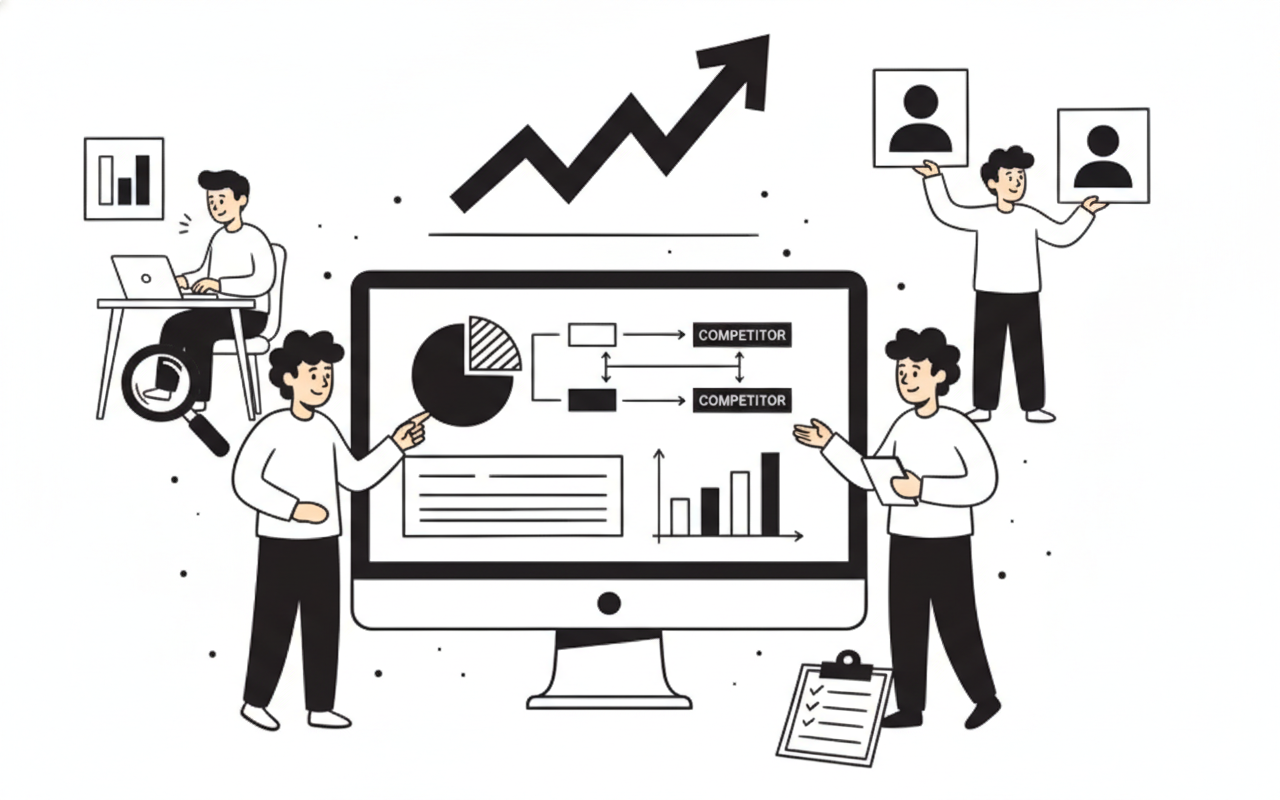
Most competitor analysis tools work by collecting public data, then turning it into reports. Some use their own crawlers to scan the web. Others connect to platform data like search results, ad libraries, or web analytics panels. Free competitor analysis tools usually give you a smaller slice of that data, but the core ideas are the same.
Understanding how the data is gathered helps you trust it the right amount. Some numbers are solid. Others are educated guesses.
The main data sources behind the scenes
Here are the common sources you’ll run into:
If you’re seeing “estimated traffic,” treat it as a trend line. Don’t treat it as a bank statement.
What the tools actually measure
Most reports boil down to a few measurable things:
Why two tools can disagree
It’s normal for two tools to show different numbers. Here’s why:
When numbers disagree, focus on what stays consistent: repeated keywords, repeated pages, repeated messaging, and repeated link sources.
A simple workflow: from data to decisions
If you want a beginner-friendly process, use this loop. It works with almost any free competitor analysis tools.
Pick one competitor and one goal
Collect three types of evidence
Write down patterns, not facts
Turn patterns into actions
Measure with your own web analytics
Integration options: how to fit this into your stack
Even when you’re using free sources, you can connect the work to your existing systems.
The goal is to stop competitor research from becoming “interesting reading” and make it part of execution.
Examples and Use Cases

Examples make this real. Below are practical ways teams use free competitor analysis tools without turning it into a never-ending research project. Each example includes what to look for, what to record, and what action to take.
Use case 1: Finding content topics that already pull traffic
Scenario: You run a small e-commerce site and want more organic traffic.
What you do:
What you record:
Action: Create one “hub” page and 3 to 5 supporting articles. Link them together. That internal linking often helps search engine optimization.
Use case 2: Improving a landing page by studying competitor UX
Scenario: Your paid traffic converts poorly.
What you do: Review competitor landing pages like a customer would.
Look for:
What you record:
Action: Rewrite your hero section, add one proof block, and reduce form fields. Then measure conversion rate changes in web analytics.
Use case 3: PPC analysis to find messaging angles
Scenario: You want new ad ideas but don’t want to guess.
What you do: Use public ad libraries and search results to collect competitor ad copy and creatives.
What you record:
Action: Write 10 ad variations based on 2 to 3 angles. Run a small test budget. Keep the winners and cut the rest.
Use case 4: Backlink analysis for link outreach targets
Scenario: Your rankings stall because competitors have stronger link profiles.
What you do: Pull a sample of competitor backlinks and linking domains.
What you record:
Action: Build one link-worthy asset, then pitch 20 relevant sites with a clear reason to link. Don’t pitch everyone. Pitch the sites that already link to similar content.
Use case 5: Market research tools for positioning and pricing clues
Scenario: You’re not sure how to position your service.
What you do: Review competitor pricing pages, feature lists, and FAQs.
What you record:
Action: Adjust your packaging and page copy so it’s easier to compare. Sometimes clarity beats complexity.
Mini case studies (lightweight, but realistic)
These are simplified case studies based on common patterns teams report when they do competitor evaluation well.
Add rich media: what to include on your own pages
Competitor research often shows that pages win because they’re easier to understand. Rich media helps.
If you don’t want to film, start with annotated screenshots. They’re fast and they work.
Best Practices for Using Competitor Analysis Tools
Free competitor analysis tools are most helpful when you use them with a plan. Without a plan, you’ll collect random facts and feel busy, but nothing changes.
Here are best practices that keep the work focused and useful.
Start with a narrow question
Good questions are specific and tied to action.
Examples:
Bad questions are vague:
Use a repeatable template
Create a one-page template you can reuse every month. Keep it simple.
Include:
Competitor name and URL
This turns online marketing intelligence into a routine.
Triangulate with at least two sources
Because free data can be limited, don’t rely on one view.
Pair:
If all three point to the same conclusion, you can act with confidence.
Focus on intent, not just keywords
Keyword research is useful, but intent is what drives results.
Ask:
A page can rank because it answers the question better, not because it repeats the keyword more.
Track changes over time
Competitor analysis is more powerful when you watch trends.
Once a month, capture:
You don’t need perfect data visualization. A simple spreadsheet with dates works.
Don’t ignore user reviews and testimonials
A big content gap in many guides is real user feedback. Even if you’re not reading “tool reviews,” you should read customer reviews of competitors.
Where to look:
What to extract:
Then use that to improve your own pages and offers.
Build a “swipe file,” but use it ethically
A swipe file is a collection of examples that inspire your work.
Save:
Don’t copy text. Copy patterns.
Add a lightweight video walkthrough to your process
You don’t need fancy production. A screen recording is enough.
Try this:
This makes your thinking visible. It also helps new team members learn faster.
Know when free is enough
Free competitor analysis tools are great for:
They’re less reliable for:
When you hit those limits, you can still make progress by narrowing scope. Pick fewer competitors, fewer pages, and clearer actions.
Common Misconceptions About Competitor Analysis Tools
Competitor research sounds simple, but a few myths can waste a lot of time. Clearing these up helps you get real value from free competitor analysis tools.
Misconception 1: “The numbers are exact”
Traffic estimation is usually modeled. Treat it like a weather forecast. It’s useful for direction, not precision.
Better approach: compare competitors using the same method, then look for big gaps and trends.
Misconception 2: “If I copy what they do, I’ll win”
Copying usually leads to average results. Competitors already have a head start in authority, brand, and links.
Better approach: copy the structure of what works, then improve the substance.
Examples of improvements:
Misconception 3: “Competitor analysis is only for SEO”
Search engine optimization is a big part of it, but competitor evaluation also helps with:
If you only look at rankings, you miss the bigger picture.
Misconception 4: “More data means better decisions”
More data often means more confusion. The goal is not to collect everything. The goal is to decide what to do next.
A helpful rule: if a data point doesn’t change your next action, don’t chase it.
Misconception 5: “My competitors are only the businesses like me”
In search results, your real competitors are whoever ranks for the same query. That might be:
So when you use free competitor analysis tools, include “SERP competitors,” not just business competitors.
Misconception 6: “Backlinks are the only reason they rank”
Backlinks matter, but they’re not magic. Many pages rank because they match intent better and have better UX.
Check:
Often, you can win by making a page easier to understand.
Misconception 7: “Free tools aren’t worth it”
Free doesn’t mean useless. It means you need to be more focused.
If you can answer these with free sources, you’re in good shape:
That’s enough to build a strong plan.
Misconception 8: “Competitor research is a one-time task”
Markets change. SERPs change. Ads change.
A monthly check-in is usually enough for small teams. For fast-moving spaces, every two weeks can help. Keep it short and consistent.
Key Takeaways for Leveraging Free Competitor Analysis Tools
Free competitor analysis tools work best when you treat them as a decision aid, not a hobby. Your goal is to learn what’s working in the competitive landscape, then take a clear next step.
Here are the main takeaways you can apply right away.
A simple action plan you can follow this week
Collect evidence
Write 3 hypotheses
What to measure (so you know it worked)
Use your own web analytics and platform reports to track impact.
For SEO:
For PPC:
For content:
How to keep it sustainable
Competitor research can eat your calendar if you let it.
Try these guardrails:
A quick “quality check” before you act
Before you change anything based on competitor evaluation, ask:
If the answer is yes, go for it.
Where free competitor analysis tools fit long-term
Think of free research as your baseline habit. It keeps you aware of shifts in SEO tools data, PPC analysis trends, and messaging changes.
When you need deeper history, broader keyword coverage, or more advanced data visualization, you can add paid options later. But you don’t need to wait to start making progress.
Used well, free competitor analysis tools can help you publish smarter content, write clearer ads, and build pages that deserve to rank.
Try Rankpeak for Comprehensive Competitor Insights
If you’ve been using free competitor analysis tools and you’re starting to hit limits, it can help to have one place to organize what you find and turn it into a plan. Rankpeak is worth a look if you want a more complete view of competitor pages, keywords, and performance signals without juggling a dozen tabs. Use it to confirm patterns you’re seeing, track changes over time, and keep your next actions clear. A short trial run on one competitor is often enough to see if it fits your workflow.