Top Tools for Search Engine Marketing Analytics
Rankpeak: Ideal for Small Business Owners
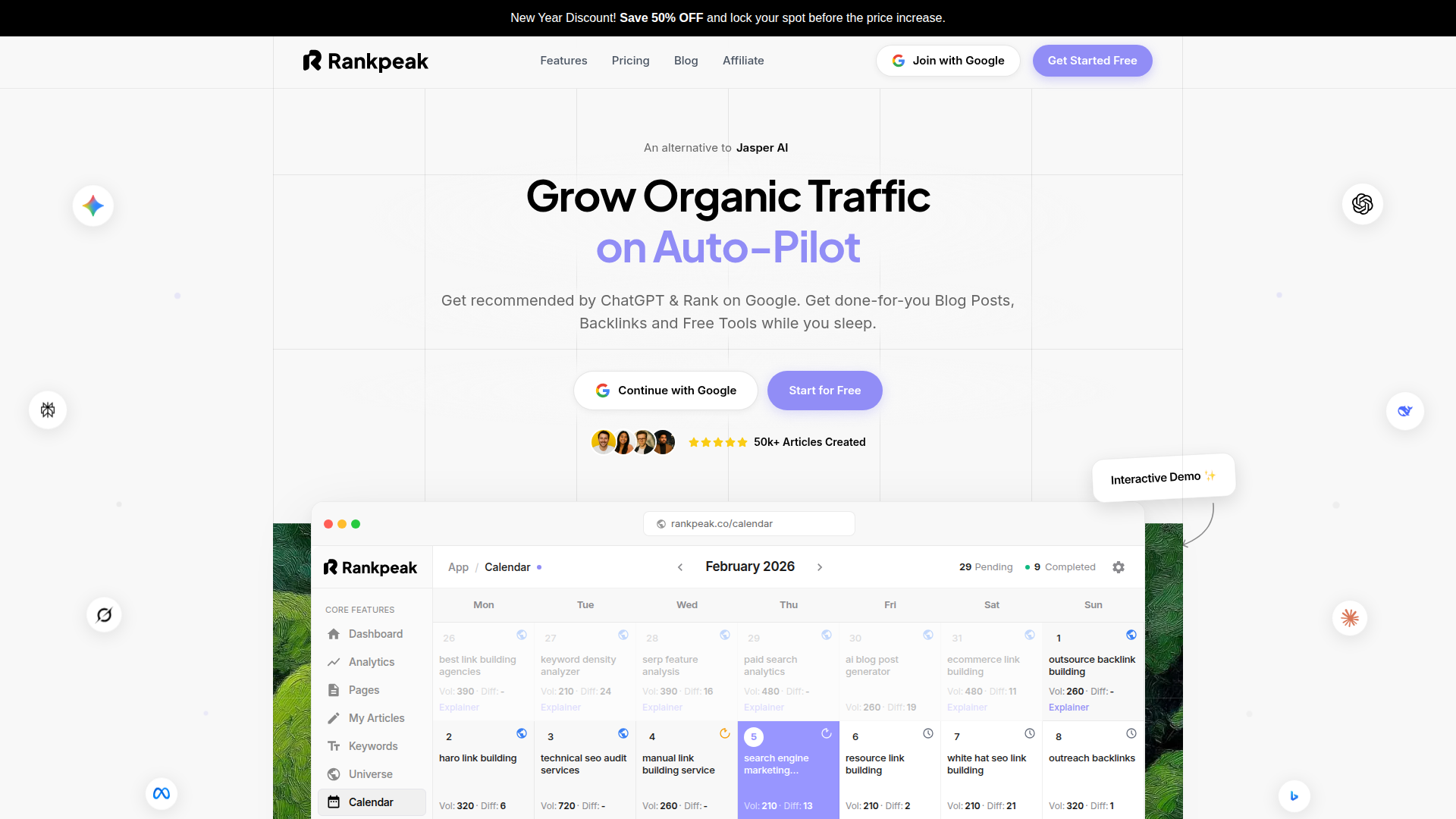
Search engine marketing analytics can feel like a maze when you’re juggling ads, SEO work, and a dozen other priorities. Rankpeak is built for small business owners and lean marketing teams who want clear answers without living in spreadsheets.
Instead of forcing you to stitch together reports from five places, Rankpeak focuses on the day-to-day questions that drive decisions: Which campaigns bring leads? Which keywords waste spend? What changed this week that explains the dip? It’s especially useful when you need quick PPC performance tracking and conversion rate analysis, but you don’t have a dedicated analyst.
Rankpeak stands out by keeping the workflow practical. You can go from web traffic measurement to advertising metrics to simple next steps in one place, then share a clean view with a partner or client.
If you’re trying to tighten reporting and make faster calls, start by mapping your goals (leads, calls, purchases) and then test Rankpeak against your current reporting routine. You’ll know quickly if it reduces the “where did that number come from?” conversations.
Key Features
Rankpeak focuses on the parts of search engine marketing analytics that small teams use every week.
For many small businesses, the win is speed. You spend less time building reports and more time making campaign decisions.
Pricing Info
Rankpeak pricing is typically structured to fit smaller teams that need dependable reporting without enterprise overhead.
When you compare cost, look at what you’d otherwise pay in time. If you’re spending hours each week reconciling numbers across tools, a mid-tier plan can pay for itself through faster decisions and fewer reporting mistakes.
Pros and Cons
Pros & Cons
Google Analytics: Comprehensive Web Traffic Insights
Google Analytics is the default starting point for web traffic measurement. It tells you how people arrive, what they do, and where they drop off. For search engine marketing analytics, it’s often the “source of truth” for on-site behavior, even when ad platforms claim credit.
GA4 is event-based, which is great once it’s set up well. You can track scrolls, clicks, purchases, and custom events. That makes user behavior insights much easier to connect to landing page changes.
Where it shines is context. You can compare paid search traffic to organic, email, and social. You can also build audiences for remarketing and see how different channels assist conversions.
The catch is setup. If your events and conversions aren’t configured carefully, your reports will be noisy. A simple measurement plan goes a long way.
Key Features
Google Analytics supports a lot of the basics you need for digital marketing analysis.
If you’re serious about search engine marketing analytics, treat GA4 events like product features. Define them, name them clearly, and keep them consistent.
Pricing Info
Google Analytics has two main options.
Most small businesses should start with the free version and invest budget in clean tracking. If you can’t trust your conversion data, no premium plan will fix that.
Pros and Cons
Pros & Cons
SEMrush: Powerful SEO and Competitive Analysis
SEMrush is a broad toolkit for competitor analysis tools, keyword research, and paid search insights. It’s popular with marketing teams because it covers a lot of ground in one subscription.
For search engine marketing analytics, SEMrush is less about your internal conversion numbers and more about market research techniques. You can see what competitors rank for, what ads they run, and where they’re gaining visibility.
It’s also useful when you’re planning campaigns. Keyword tools help you estimate difficulty and intent. PPC research can spark ad copy ideas and landing page angles.
Think of SEMrush as your “outside view.” Pair it with a first-party tool like Google Analytics for the “inside view” of what visitors do after the click.
Key Features
SEMrush is strongest when you need research and monitoring.
For campaign optimization, SEMrush helps you choose battles wisely. It won’t replace your conversion tracking, but it can keep you from chasing the wrong keywords.
Pricing Info
SEMrush is subscription-based, with tiers that scale by limits and features.
When you budget, focus on how many projects and tracked keywords you truly need. Many teams overbuy limits early, then never use them.
Pros and Cons
Pros & Cons
Ahrefs: Backlink and Competitive Analysis
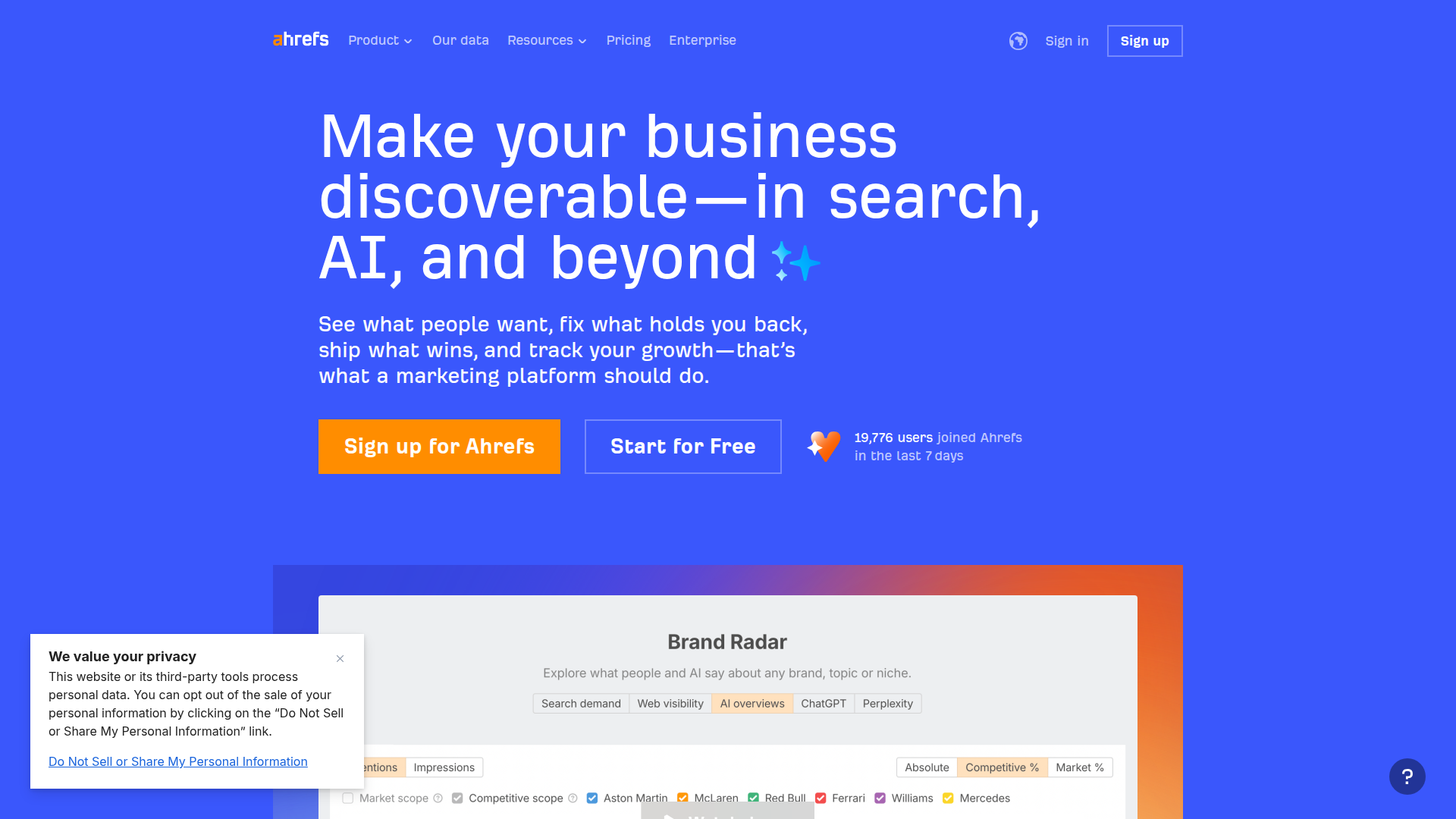
Ahrefs is known for link data, but it’s also a solid suite for SEO analytics software and competitive research. If your growth plan includes content and link building, it’s hard to ignore.
In search engine marketing analytics, backlinks matter because they influence rankings, and rankings influence your cost and volume in paid search. Strong organic visibility can reduce pressure on ad spend. Weak visibility can force you to pay for every click.
Ahrefs helps you understand why competitors outrank you. Is it content depth? Links? Internal linking? You can also monitor new and lost backlinks, which is useful after PR campaigns or partnerships.
It’s less focused on ad platform reporting. Use it when you want to improve the organic side that supports your overall acquisition costs.
Key Features
Ahrefs is built for deep SEO investigation.
If you’re doing campaign optimization across channels, Ahrefs helps you pick content that can earn durable traffic, not just short-term clicks.
Pricing Info
Ahrefs uses a monthly subscription model with tiers based on usage.
A practical way to control cost is to limit the number of active projects. Many teams only need a few core properties tracked all the time.
Pros and Cons
Pros & Cons
Moz Pro: Supportive Community for SEO Success
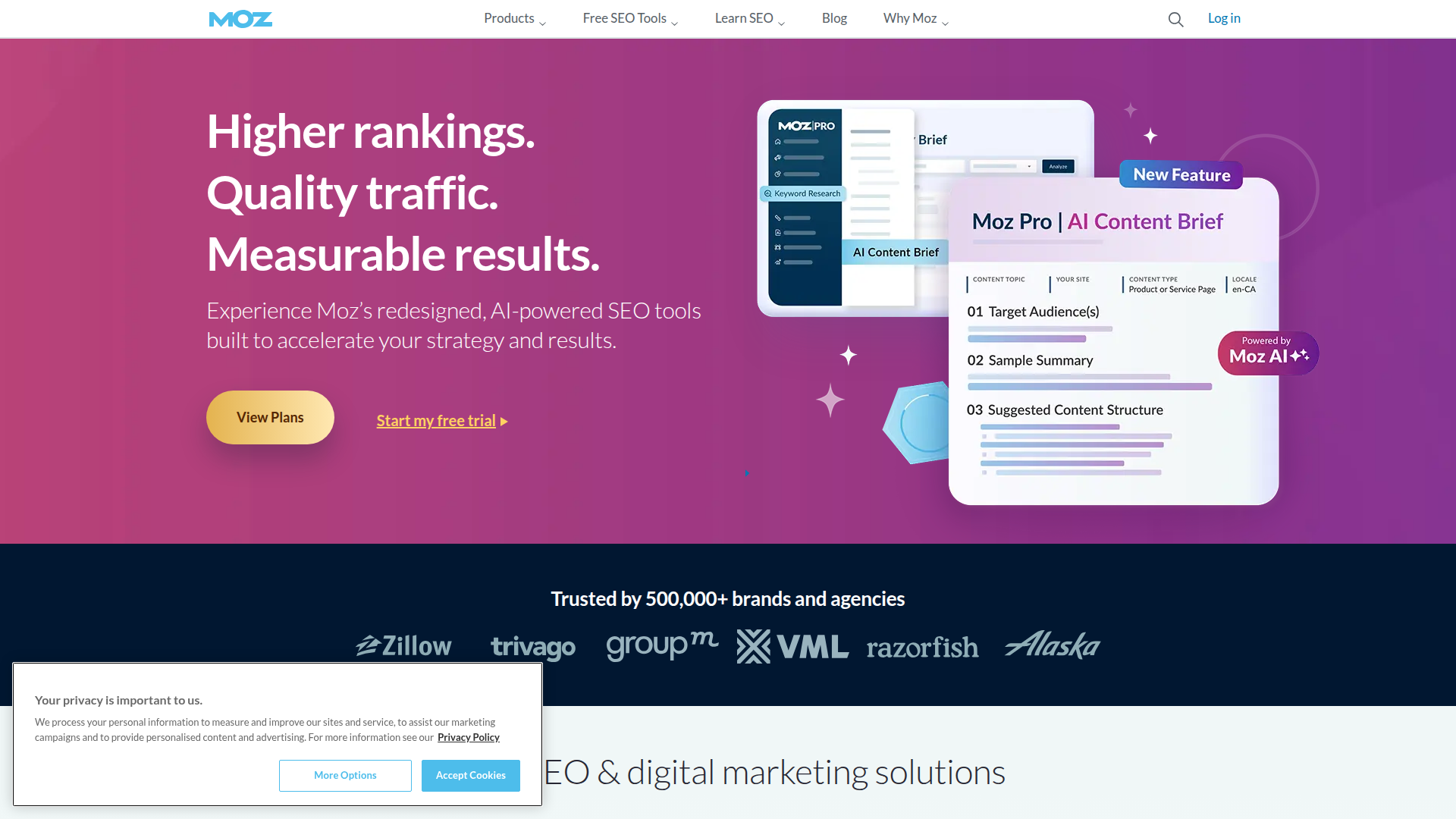
Moz Pro is a long-running SEO platform with tools that cover rankings, audits, and link research. It’s often chosen by teams that want dependable basics and a strong learning ecosystem.
For search engine marketing analytics, Moz Pro helps you keep organic performance visible next to paid efforts. That matters because paid search can hide organic problems. If your site loses rankings, you might spend more on ads without realizing why.
Moz’s interface is friendly, and the community content is useful when you’re building skills. If you’re a small team without an SEO specialist, that support can be a real advantage.
It may not go as deep as some competitors in raw link data, but it covers the workflows many businesses actually do each month.
Key Features
Moz Pro focuses on core SEO workflows.
If you’re building a habit of analytics reporting, Moz Pro can help you keep a steady cadence. That consistency often beats fancy dashboards that nobody checks.
Pricing Info
Moz Pro is subscription-based with tiered plans.
Before you choose a tier, count how many keywords you truly need to track. Many teams can start small, then expand once they know which terms matter.
Pros and Cons
Pros & Cons
Google Ads: Reach Large Audiences via Paid Search
Google Ads is where paid search happens, so it’s also where many advertising metrics start. You get impression share, click-through rate, cost per click, and conversion reporting tied to campaigns, ad groups, and keywords.
For search engine marketing analytics, Google Ads is essential for diagnosing spend and intent. If performance drops, you can check search terms, auction insights, and policy issues. You can also test new messaging fast.
The tricky part is measurement. Google Ads conversions can differ from what you see in Google Analytics or your CRM. That’s not always a bug. It’s often attribution differences, time windows, or tracking gaps.
If you want clean campaign optimization, connect your conversion actions to real business outcomes, then validate them against leads or sales downstream.
Key Features
Google Ads includes the controls and reporting you need for PPC performance tracking.
Smart bidding can help, but only if your conversion data is reliable. Bad inputs create bad outcomes.
Pricing Info
Google Ads doesn’t have a subscription fee. You pay for clicks, impressions, or conversions depending on campaign type.
Costs vary by industry, location, and competition. A practical way to plan is to:
Also plan for creative and landing page work. Media spend alone rarely fixes weak conversion rates.
Pros and Cons
Pros & Cons
Adobe Analytics: In-Depth Customer Journey Insights
Adobe Analytics is built for larger organizations that need deep segmentation, custom reporting, and strong governance. It’s often used when teams have complex customer journeys across web, app, and multiple business units.
For search engine marketing analytics, Adobe shines when you need to connect paid and organic traffic to downstream behavior at scale. You can slice data by audience, product line, region, or device, then build reports that match how your business actually runs.
It also supports advanced analysis like cohorting and pathing. That’s useful when you’re trying to understand long consideration cycles, not just quick purchases.
The tradeoff is complexity. Implementation usually needs specialists, and ongoing management takes time. If you’re a small team, you may get more value from simpler tools plus a clean CRM connection.
Key Features
If you’re doing attribution modeling across many touchpoints, Adobe’s flexibility can be a major advantage, assuming you have the resources to run it.
Pricing Info
Cost depends on factors like:
If you’re evaluating it, ask for a clear view of implementation effort. The license is only part of the total cost. Tagging, governance, and training can be just as big.
Pros and Cons
Pros & Cons
Kissmetrics: Enhance Customer Engagement
Kissmetrics focuses on people-based analytics. Instead of only tracking sessions, it helps you follow users over time. That’s useful when you care about repeat behavior, upgrades, and retention.
In search engine marketing analytics, this matters when paid search brings in trials or leads that convert later. Session-based tools can miss the story. Kissmetrics can connect early clicks to later actions, which improves customer acquisition analysis.
It’s also helpful for product-led growth. If you want to know which keywords bring users who stick around, you need more than last-click reporting.
The main question is fit. If your business is simple lead gen, GA4 plus a CRM may be enough. If you have a multi-step funnel and repeat usage, Kissmetrics can add clarity.
Key Features
Kissmetrics is built around lifecycle and engagement.
If you’re trying to improve ROI, retention is often the hidden lever. Paying less for clicks is nice, but keeping customers longer can matter more.
Pricing Info
Kissmetrics pricing is typically subscription-based and depends on usage.
Plans often vary by:
Before you commit, estimate your event volume. Teams sometimes track too many events, then pay for noise. Start with the events that map to revenue, activation, and retention.
Pros and Cons
Pros & Cons
HubSpot Marketing Hub: Integrated Marketing Platform
HubSpot Marketing Hub combines email, forms, automation, and reporting in one system. It’s often used when you want marketing and sales to share the same view of leads.
For search engine marketing analytics, HubSpot is valuable because it connects clicks to contacts. You can see which campaigns create leads, which leads become customers, and what the real return on investment (ROI) looks like.
It’s also strong for integration. If you’re running paid search and email nurturing, HubSpot can tie those together. That helps you avoid judging campaigns only by last-click conversions.
The downside is cost and complexity as you scale. Still, for teams that live in a CRM, having analytics close to lead management can reduce reporting gaps.
Key Features
HubSpot is built for connected marketing workflows.
If you’re using Rankpeak or GA4 for performance views, HubSpot can be the “what happened after the lead?” layer that completes the picture.
Pricing Info
HubSpot Marketing Hub uses tiered pricing, usually based on features and marketing contacts.
Watch the contact-based pricing. Costs can rise as your list grows, even if your traffic stays flat. Regular list hygiene helps control spend.
Pros and Cons
Pros & Cons
Final Verdict

Choosing tools for search engine marketing analytics comes down to what questions you need answered, and how fast you need them.
If you’re a small business that wants clear reporting without a lot of setup, Rankpeak is a practical starting point. It’s geared toward day-to-day decisions and simple online marketing dashboards. Pair it with Google Analytics for web traffic measurement, and you’ll cover most weekly reporting needs.
If your priority is market visibility and competitor research, SEMrush or Ahrefs are strong adds. Moz Pro is a steady option when you want approachable SEO tracking and a supportive learning ecosystem.
For paid search execution, Google Ads is non-negotiable. For deeper journey analysis at scale, Adobe Analytics fits enterprise teams. If you need person-based tracking and retention views, Kissmetrics can fill gaps. If your world revolves around leads and lifecycle, HubSpot ties marketing to sales outcomes.
A quick selection checklist:
That’s how search engine marketing analytics stops being “reports” and starts being decisions.