SERP Feature Analysis Tools: Reviews and Comparisons
Rankpeak: Ideal for Small Business Owners
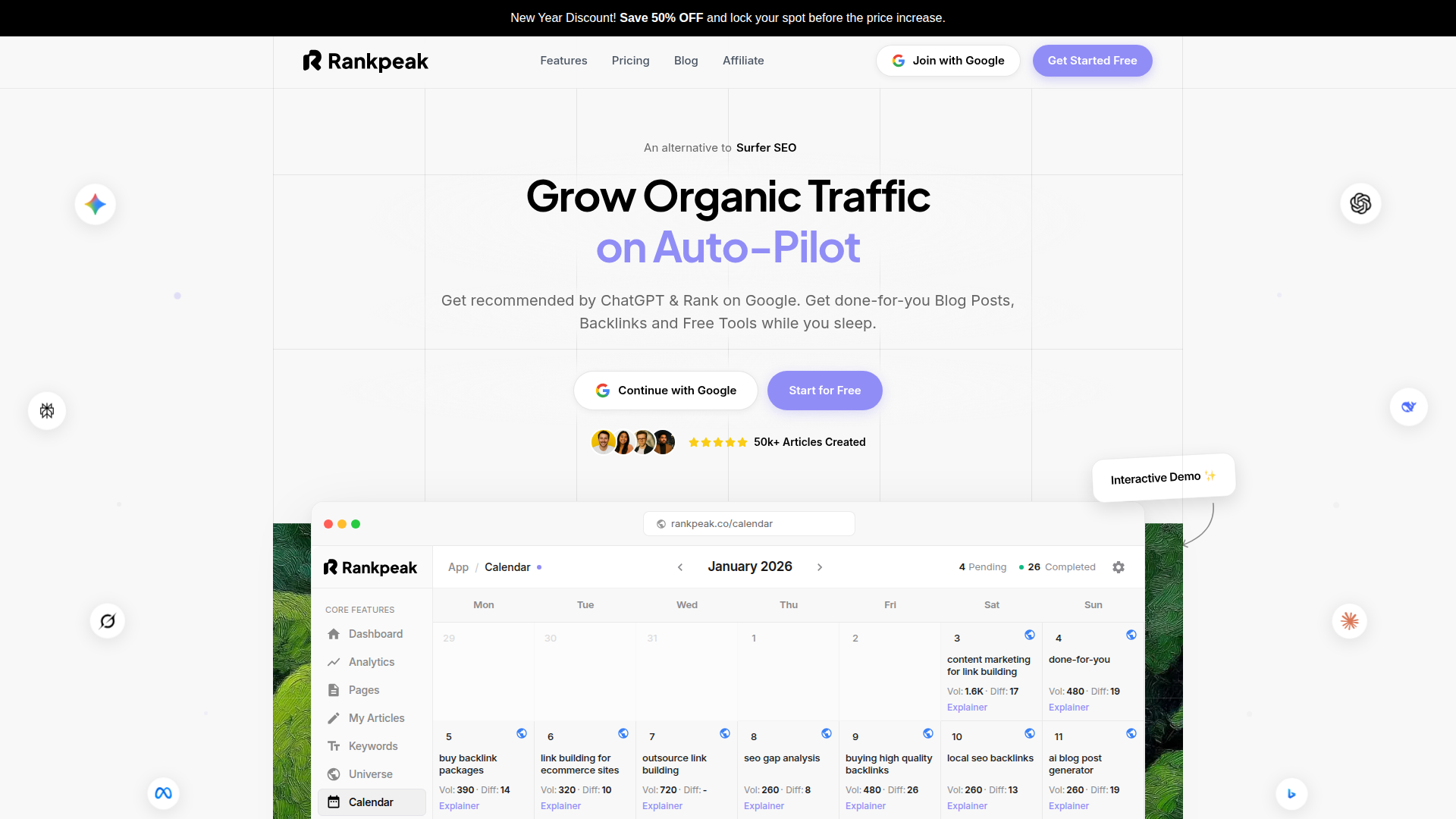
If you’re doing serp feature analysis because your clicks are slipping, you’re not alone. Google’s search engine results page keeps adding rich results, and they can push classic blue links down fast.
Rankpeak is built for small business owners, entrepreneurs, and lean marketing teams who need clear answers without a steep learning curve. Instead of drowning you in charts, it focuses on the SERP features that change what people click, like local packs, featured snippets, review stars, and video blocks.
What makes Rankpeak stand out is how it connects visibility to action. You can see which keywords trigger rich snippets, which pages are close to winning them, and what competitors are doing differently. That’s useful when you’re juggling content marketing, local SEO, and day-to-day operations.
If you want a practical way to turn SERP changes into a weekly plan, start with Rankpeak’s tracking and opportunity views, then build a short list of fixes you can ship this month. Give Rankpeak a try with a small keyword set first, then expand once you see which SERP features actually move your click-through rate.
Key Features
Rankpeak focuses on the parts of SERP features that matter to smaller teams: what changed, why it matters, and what to do next.
You get keyword tracking that flags when a search engine results page gains or loses rich results, like a featured snippet showing up, a local pack expanding, or a video carousel taking over the top fold. That’s paired with competitor analysis so you can see which domains are winning those placements and what type of page they use.
Rankpeak also helps with keyword optimization by tying features to search intent. For example, it can separate “how-to” queries that often trigger snippets from “near me” queries that trigger map results. That makes it easier to decide whether you need a FAQ section, better schema, stronger images, or a location page refresh.
For reporting, the visibility metrics are simple enough to share with a client or a boss without a long explanation.
Pricing Information
Rankpeak’s pricing is aimed at small teams that need consistent tracking without paying for a huge enterprise seat.
Plans typically scale by the number of keywords you track, how often rankings refresh, and how many projects or locations you monitor. For most small businesses, the sweet spot is a plan that covers your core services, a handful of blog topics, and your main local markets.
If you’re doing local SEO, look for tiers that support multiple locations and let you compare URL ranking across cities. That’s where SERP features can vary a lot, even for the same keyword.
A practical way to judge value is to price it against time saved. If Rankpeak replaces manual checks, screenshots, and spreadsheet work each week, it usually pays for itself quickly for a small marketing team.
Pros and Cons
Pros & Cons
SERPChecker: Best for Local SEO and Competitor Analysis
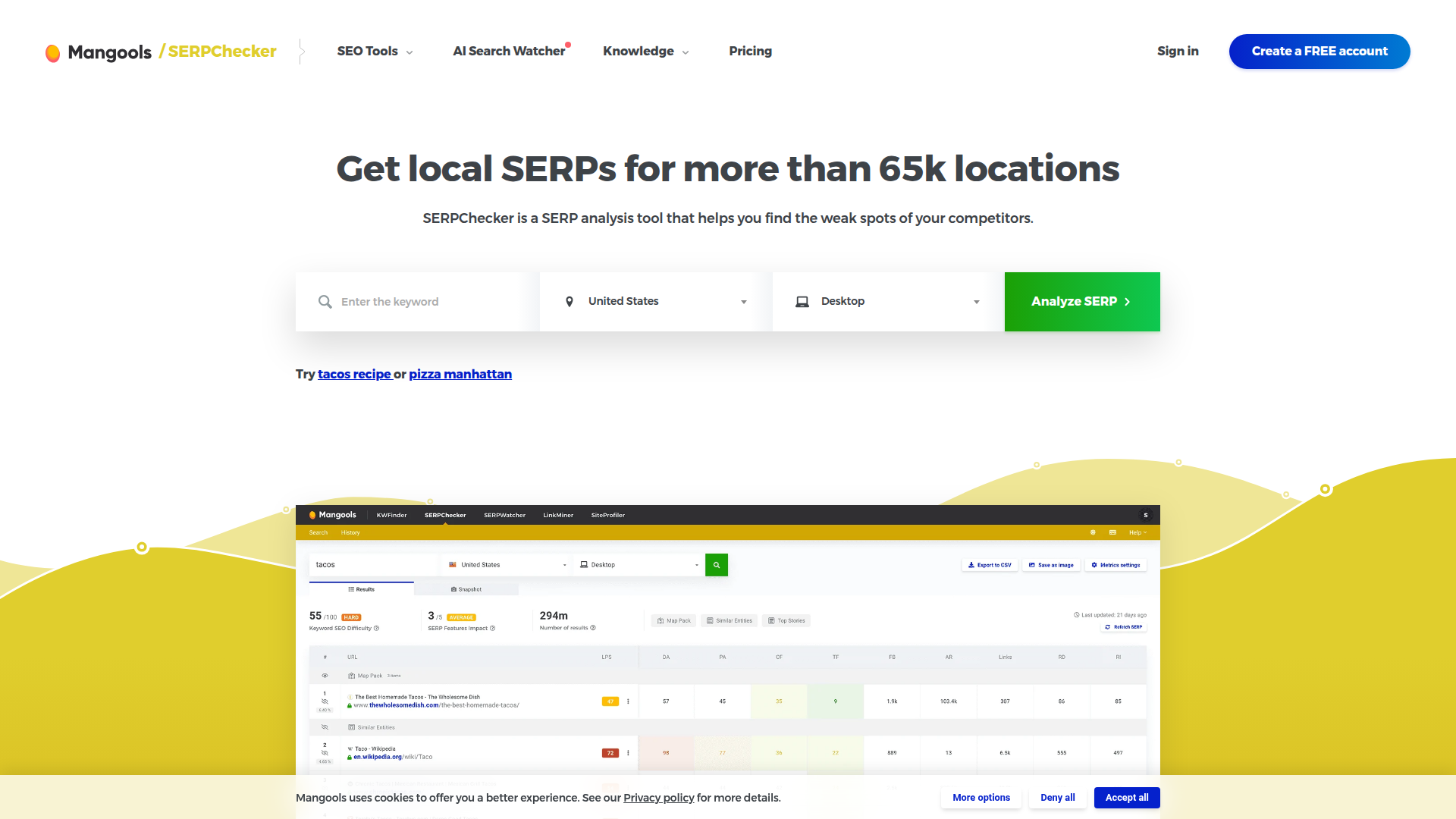
SERPChecker by Mangools is a focused tool for looking at Google results in specific places. That matters because local packs, map results, and “near me” intent can change the whole page layout.
For serp feature analysis, SERPChecker shines when you need to compare what you see in one city versus another, or when you want a quick read on how hard a keyword will be based on who already ranks. It’s also handy for spotting rich snippets and understanding how they may affect click-through rate.
The interface is friendly, and the learning curve is light. You can pull up a search engine results page snapshot, review the top URLs, and see common SEO metrics without building a complex dashboard.
Where it’s less strong is long-term, large-scale monitoring. If you need daily tracking across many markets, you may outgrow it. Still, for local SEO checks and quick competitor analysis, it’s a solid fit.
Key Features
SERPChecker’s headline feature is location-based SERP viewing across a huge list of places. That’s useful when a local pack shows in one area but not another.
It also highlights SERP features present on the page, so you can quickly see if you’re competing with review stars, featured snippets, image packs, or video results. Alongside that, you get a snapshot of the ranking pages with common authority and link metrics, which helps with ranking analysis.
For competitor analysis, the side-by-side view makes it easy to spot patterns. Are the winners using long guides, category pages, or location pages? Do they have rich snippet enhancements like ratings?
If you’re doing keyword optimization for local services, SERPChecker is especially helpful for validating search intent before you write or rebuild a page.
Pricing Information
SERPChecker is part of the Mangools suite, so pricing is usually bundled with other tools like KWFinder and LinkMiner.
Plans tend to scale by daily lookups, tracked keywords, and the number of results you can pull. For freelancers and small teams, the entry tiers are often enough for regular spot checks and a modest tracking list.
If your work is mostly local SEO, budget for the tier that gives you enough location-based queries. That’s the feature you’ll hit first.
Compared with enterprise platforms, it’s generally more affordable, but it’s also less built for massive, always-on monitoring.
Pros and Cons
Pros & Cons
STAT: For Enterprises and Agencies
STAT is built for teams that treat the SERP like a moving market. Agencies and enterprises use it when they need to track thousands of keywords, across many categories, and still slice the data in useful ways.
For serp feature analysis, STAT is strong at scale. You can group keywords by intent, topic, or funnel stage, then measure how SERP features shift over time. That’s important when Google tests new layouts, or when a featured snippet appears and steals clicks from organic listings.
STAT also fits well when you need repeatable reporting. Think weekly client decks, executive dashboards, and visibility metrics tied to business lines.
The tradeoff is setup and cost. You’ll get the most value if you already have a clear keyword strategy and someone who can own the tool day to day. If you’re a small business, you might prefer something simpler, like Rankpeak, unless you truly need enterprise-scale monitoring.
Key Features
STAT’s core strength is large-scale rank tracking with deep segmentation. You can tag keywords, build views by category, and compare performance across device types and locations.
For SERP features, STAT can track presence and share of voice style metrics, so you can see how often features appear and which domains capture them. That helps when you’re trying to protect organic traffic in a crowded search engine results page.
It’s also built for change monitoring. When the layout shifts, you can spot patterns across hundreds of keywords instead of noticing it one query at a time.
Agencies like the reporting flexibility. You can create client-ready views that connect ranking analysis to outcomes like click-through rate changes, even when rankings stay flat but the SERP gets more crowded.
Pricing Information
STAT pricing is generally positioned for agencies and enterprises. Costs usually scale with the number of keywords tracked, update frequency, and add-ons.
If you’re tracking tens of thousands of keywords, the per-keyword economics can make sense compared with stitching together smaller tools. But for a small site with a few hundred keywords, it can feel like overkill.
Budget for onboarding time too. The tool is powerful, but you’ll want someone who can set up tagging, segments, and reporting views.
If you’re deciding between STAT and a lighter platform, ask how often you truly need refreshes and how granular your reporting must be.
Pros and Cons
Pros & Cons
Semrush: A Comprehensive Toolset for SEO Professionals
Semrush is a broad SEO platform that covers research, content, competitive insights, and tracking. If you already live in one tool for SEO strategies, Semrush is appealing because SERP feature work sits next to keyword research and content planning.
For serp feature analysis, Semrush helps you see which queries trigger rich results and how your pages perform around them. It’s also useful for finding opportunities, like keywords where you rank on page one but don’t own the snippet, or where a video block suggests you should publish a short explainer.
Because it’s a suite, it can reduce tool sprawl. You can research search intent, plan content marketing, and monitor rankings in one place.
The downside is cost and complexity. If you only need SERP feature tracking, it can feel like paying for a lot you won’t use. But for SEO professionals who want an all-in-one workflow, it’s a practical option.
Key Features
Semrush includes keyword research views that show SERP features present for a query, plus competitive data on who ranks and why. The Keyword Overview and Organic Research areas are often where teams start.
For monitoring, position tracking can flag when features appear, disappear, or change ownership. That’s helpful when a rich snippet affects click-through rate even if your ranking stays the same.
Semrush also supports content workflows. You can map keywords to pages, check intent alignment, and find related questions that often feed featured snippets and People Also Ask boxes.
If visuals matter for your niche, Semrush can help you spot when image packs or video carousels dominate, which is a strong hint to invest in screenshots, product photos, infographics, or short videos.
Pricing Information
Semrush pricing is tiered, usually based on limits like projects, tracked keywords, and user seats. Entry plans can work for freelancers and small teams, while higher tiers fit agencies.
Because it’s a full suite, the value depends on whether you’ll use more than SERP tracking. If you also need competitor analysis, content planning, and site auditing, the bundle can be cost-effective.
If your main goal is local SEO tracking across many locations, confirm the plan supports the volume you need. Location and device tracking can change what tier makes sense.
As with any suite, watch add-on costs. Some features may require upgrades depending on your workflow.
Pros and Cons
Pros & Cons
Final Verdict

Serp feature analysis is really about one question, what’s stealing attention on the search engine results page, and what can you do about it?
If you’re a small business owner or a lean team, Rankpeak is a practical place to start. It keeps the focus on actions you can take, like improving pages that are close to winning rich snippets or tightening local SEO signals when map results dominate.
SERPChecker makes sense when you need quick local snapshots and competitor analysis across many locations. It’s great for validating search intent and seeing how the page layout changes city to city.
STAT fits agencies and enterprises that need scale, segmentation, and long-term monitoring. If you manage thousands of keywords, the ability to spot SERP shifts across whole categories is the point.
Semrush is a strong choice when you want SERP feature work inside a larger SEO and content marketing workflow.
No matter which tool you choose, track changes over time, not just today’s rankings. Watch click-through rate, measure organic traffic by page, and keep notes when Google rolls out new layouts. That’s how you stay visible even when the SERP keeps changing.